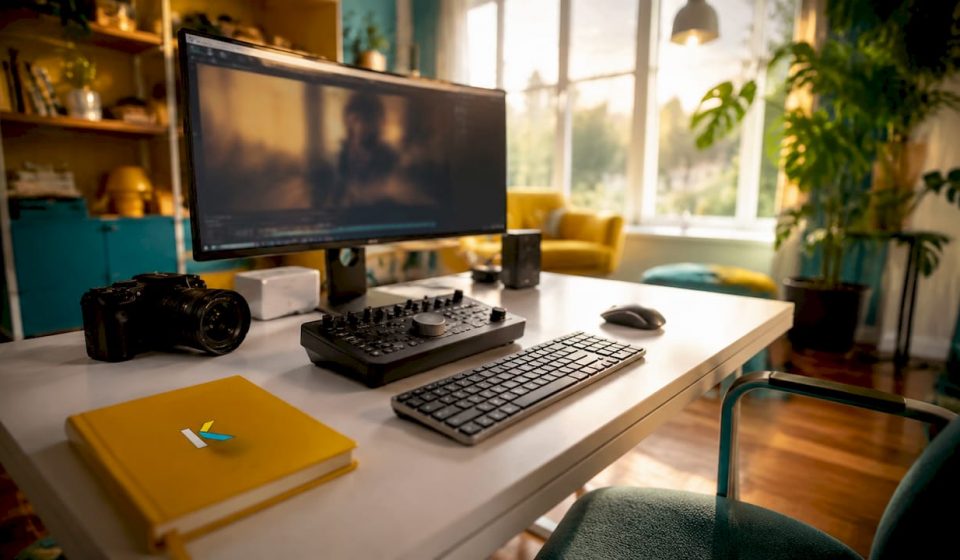

Storefront walkthrough video editing is the process of capturing, cutting, and polishing footage of your retail space or online store to attract customers and drive sales. Small business owners who treat this as a repeatable process, not a one-off project, consistently outperform those chasing cinematic perfection. The industry distinguishes between two formats: linear walkthrough videos are passive narratives you control, while interactive 360-degree virtual tours give viewers full browsing control. Most effective retail video production strategies use both. This guide covers the tools, shooting techniques, editing workflow, and repurposing tactics you need to produce professional results without hiring a full production crew.
What tools do you need for storefront walkthrough video editing?
The right equipment determines how much time you spend fixing problems in post-production. Start with your camera. A modern smartphone with stabilization handles most storefront walkthrough shoots well. For interactive virtual store tour editing, a 360-degree camera like the Insta360 X4 or Ricoh Theta Z1 captures full spherical footage in a single pass. These cameras cost far less than a full production crew and produce footage that works across both video and tour formats.
On the software side, your choices fall into three broad categories.
Web-based editors run in your browser with no download required. They suit small business owners who need fast turnaround and simple interfaces. Kudoflix fits this category, offering templates, transitions, and visual effects built specifically for promotional video walkthroughs without requiring technical skills.
Desktop editors like DaVinci Resolve offer deep color grading and audio control. They reward the time investment but carry a steeper learning curve.
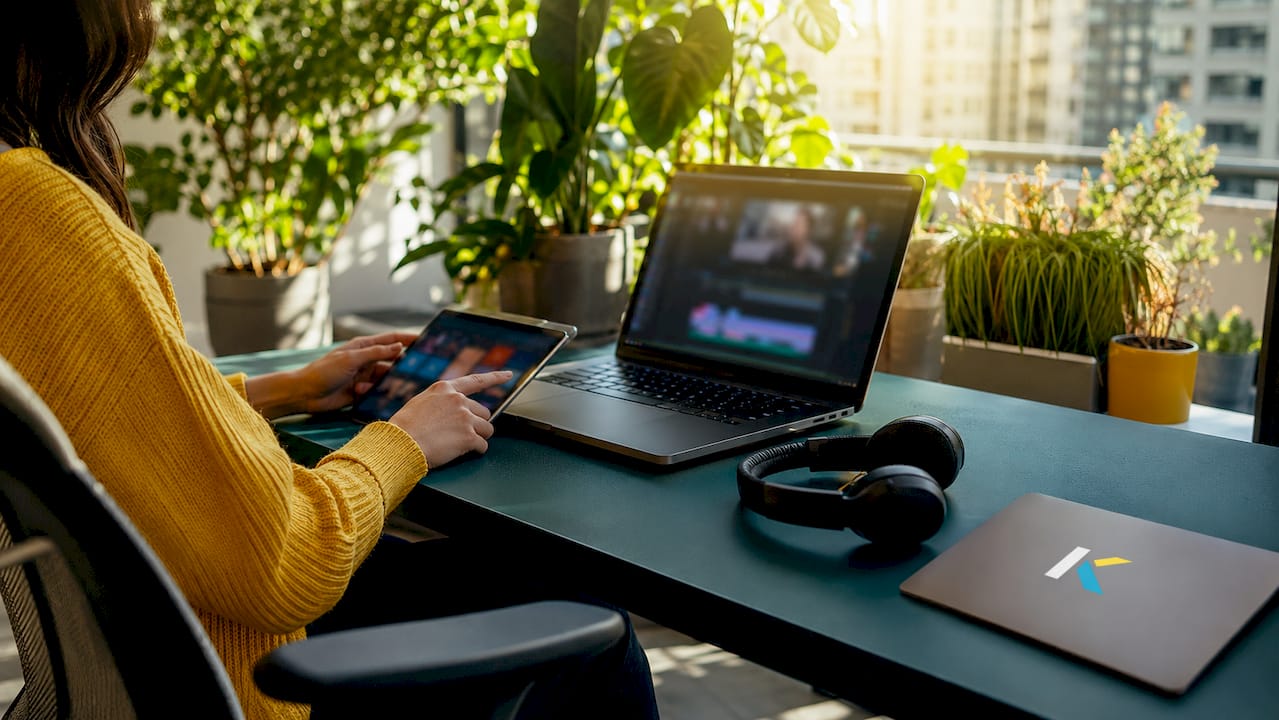
360-degree tour builders are specialized platforms for interactive store walkthroughs. Web-based virtual tour tools let you upload panoramas, organize hotspots, and publish directly online with no coding skills required.
| Tool category | Best for | Typical features |
|---|---|---|
| Web-based video editor | Fast edits, social clips | Templates, text overlays, export presets |
| Desktop video editor | Advanced color and audio | Multi-track timeline, color grading |
| 360-degree tour builder | Interactive store tours | Hotspot linking, floor plans, embed codes |
| Smartphone camera app | Quick walkthrough footage | Stabilization, 4K capture, slow motion |
Pro Tip: Shoot your walkthrough in the highest resolution your camera supports. You can always downscale for social media, but you cannot recover lost detail in post-production.
Professional retail video production for large campaigns runs from $5,000 to $50,000. That figure makes a strong case for learning to edit your own business storefront video with a capable web-based tool.
How to plan and shoot an effective storefront walkthrough video
Planning your shoot before you pick up a camera cuts your editing time in half. A disorganized shoot produces disorganized footage, and no editing tool fixes a missing shot.
Start with a shot list that maps your store’s physical flow. Think of it as a script for your camera. A typical retail walkthrough moves from exterior entrance to featured product zones to checkout or contact area. That narrative arc gives viewers a sense of place and purpose.
Lighting is the single biggest factor separating amateur from professional-looking footage. Natural light works well near windows, but mixed lighting sources create color casts that are difficult to correct in post. Use consistent artificial lighting throughout the space, or shoot during the time of day when natural light is most even.
For motion shots, use a gimbal or slider. Shaky handheld footage signals low production value to viewers, regardless of how good your products are. Slow, deliberate camera movements hold attention longer than fast pans.
Common shooting mistakes to avoid:
- Filming during business hours with customers in the background (creates privacy and continuity issues)
- Ignoring background clutter (boxes, cords, and signage distract from products)
- Shooting only horizontal footage when vertical formats dominate social platforms
- Skipping audio (ambient store sound or background music recorded on-site saves time in editing)
- Using auto-exposure, which causes brightness fluctuations as you move through the space
Pro Tip: Set your camera to shoot in both 16:9 and leave enough headroom for a 9:16 crop. Capturing this way once means you can produce Instagram Reels and YouTube versions from the same take without reshooting.
A well-planned shoot also reduces the number of takes you need. Fewer takes mean less footage to sort, which directly speeds up your editing workflow.
Step-by-step storefront walkthrough video editing process
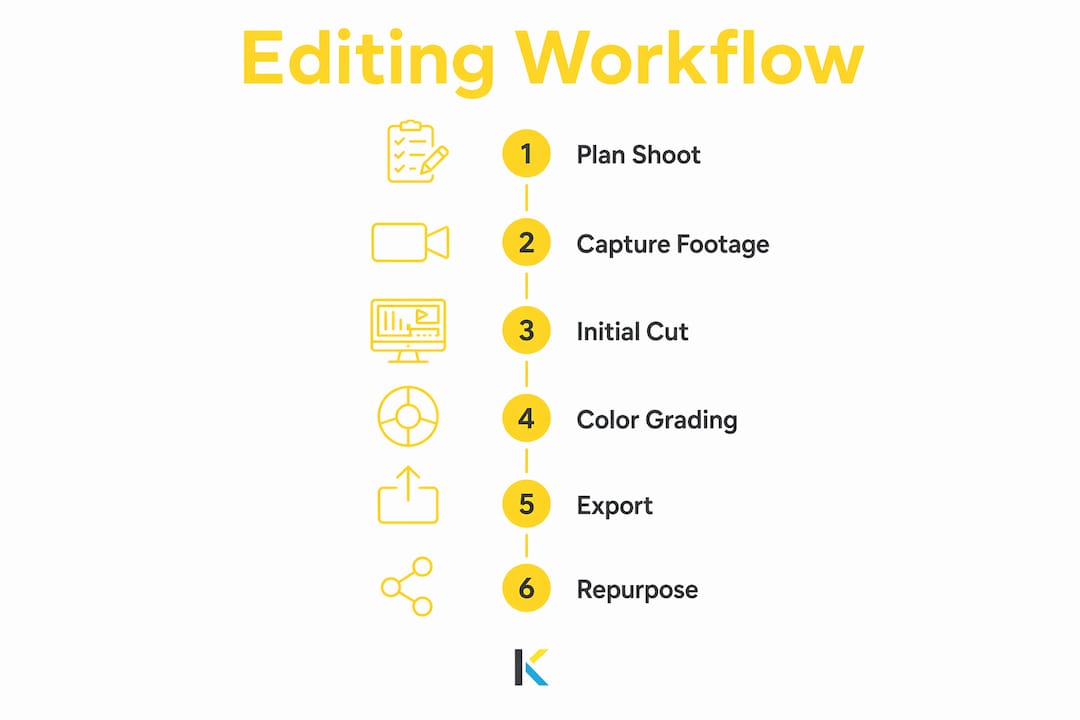
A clear editing workflow turns raw footage into a finished promotional video walkthrough without wasted effort. Follow these steps in order.
- Import and organize. Create folders by location or scene (entrance, product zone, checkout). Label clips before you touch the timeline. This step alone saves hours on longer projects.
- Build a rough cut. Drag your best clips onto the timeline in story order. Do not worry about transitions yet. Focus on pacing and narrative flow.
- Trim and tighten. Cut dead air at the start and end of each clip. A good walkthrough video moves at a pace that feels natural but never slow. Aim for cuts that land on movement or audio beats.
- Add transitions. Use simple cuts or a subtle cross-dissolve between scenes. Flashy transitions distract from your products and date your video quickly.
- Overlay text and branding. Add your store name, product names, and any promotional text as lower-third captions. Keep fonts consistent with your brand identity.
- Add audio. AI voice generation tools can convert a written script into professional narration without recording equipment. Background music should sit at least 15–20 decibels below any voiceover.
- Color correct. Match the color temperature across all clips so the space looks consistent. Most web-based editors include basic color filters that handle this quickly.
- Export for each platform. Different channels require different specs.
| Platform | Aspect ratio | Recommended resolution | Max length |
|---|---|---|---|
| YouTube | 16:9 | 1080p or 4K | No hard limit |
| Instagram Reels | 9:16 | 1080 x 1920 | 90 seconds |
| TikTok | 9:16 | 1080 x 1920 | 10 minutes |
| Facebook feed | 4:5 | 1080 x 1350 | 240 minutes |
| E-commerce product page | 16:9 | 1080p | 60–120 seconds |
Kudoflix handles multi-format export directly from the browser, so you produce all platform versions from a single edit session. That removes the need to re-edit the same video multiple times.
How to optimize and repurpose walkthrough videos for social media
Repurposing a hero film into multiple formats using automated cropping reduces production time while keeping your brand consistent across channels. This is the single most time-efficient tactic in store video marketing strategies.
Start with one master edit at the highest quality your footage supports. From that master, create platform-specific versions by adjusting the aspect ratio and trimming the length. You do not need to re-record or re-edit the core content.
Platform-specific tactics that work:
- Instagram Reels: Lead with your most visually striking product or space in the first two seconds. Viewers scroll fast.
- TikTok: Add on-screen text captions for every spoken line. Most TikTok users watch without sound.
- YouTube: Use the full walkthrough as a long-form video, then cut 30-second highlights for YouTube Shorts.
- E-commerce product pages: Product videos optimized for both paid social ads and product detail pages improve key metrics like average order value and return on ad spend simultaneously.
Pro Tip: Connect your video platform analytics to a simple spreadsheet. Track which clips drive the most clicks and watch time, then use that data to plan your next shoot. The clips that perform best tell you exactly what your customers want to see.
Streamlined sales workflows for small businesses show that video repurposing works best when it is built into a repeatable weekly or monthly process, not treated as a one-time task. Marketing teams experience creative fatigue every 3–4 weeks, which means your audience needs fresh video content on a regular cycle to maintain engagement and keep acquisition costs low.
Key Takeaways
Effective storefront walkthrough video editing combines a planned shoot, a disciplined editing workflow, and a systematic repurposing process to produce videos that convert viewers into customers.
| Point | Details |
|---|---|
| Plan before you shoot | A shot list mapped to your store’s physical flow cuts editing time and prevents missing footage. |
| Use the right tool for the job | Web-based editors suit fast social edits; 360-degree tour builders handle interactive store walkthroughs. |
| Follow a step-by-step edit workflow | Organize, rough cut, trim, add text and audio, color correct, then export per platform. |
| Repurpose one master edit | Automated cropping from a single hero film produces all platform formats without reshooting. |
| Treat video as a repeatable process | Businesses that produce video consistently outperform those that treat each video as a one-off project. |
Why I think most small businesses are approaching this backward
Most small business owners I talk to treat their first storefront video as a launch event. They spend weeks planning it, hire someone to shoot it, and then post it once. Six months later, the video is stale and they are back to square one.
The businesses that actually see results from e-commerce video editing treat it the way they treat inventory management: as an ongoing operational task with a regular schedule. Treating video as a repeatable conversion asset, not a cinematic project, is what separates the stores with consistent engagement from those chasing a viral moment that never comes.
The other thing most guides skip is the creative fatigue problem. Your audience gets bored faster than you think. A video that performed well in january will lose its pull by march. That is not a failure of the video. It is just how attention works. The fix is not a bigger budget. It is a faster production cycle.
AI-powered correction tools now handle visual distractions in 360 tours automatically, which removes one of the biggest barriers to frequent updates. You no longer need to reshoot because a display changed or a sign moved. Fix it in the editor and republish.
My honest advice: build a monthly video habit before you worry about production quality. A decent video published consistently beats a perfect video published once.
— Mandrixx
Kudoflix makes storefront video editing faster
Small business owners who want professional results without a production crew need a tool that removes friction, not adds it. Kudoflix is a browser-based video editing platform built for exactly that. No downloads, no complicated timelines, and no steep learning curve.
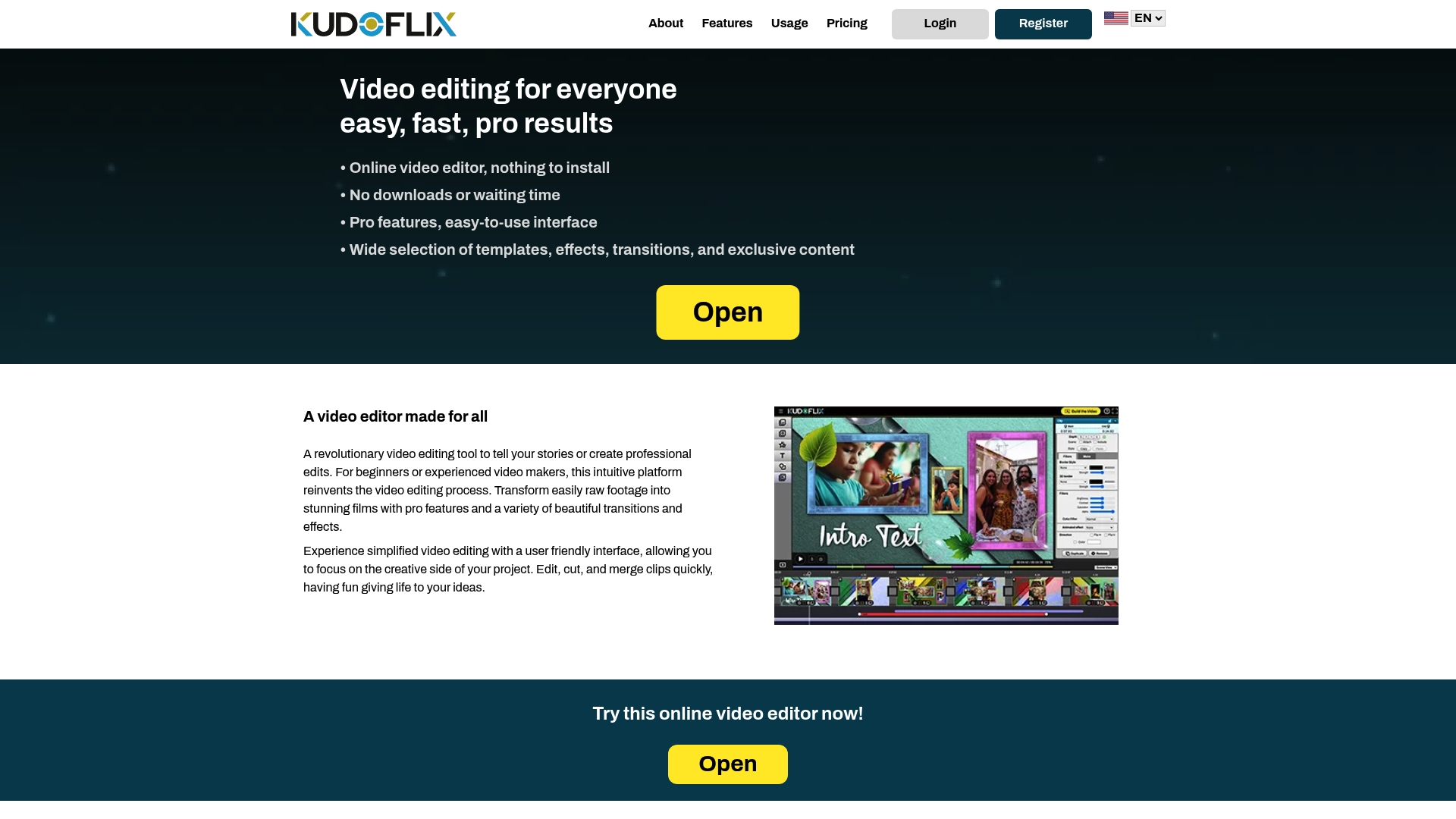
Kudoflix includes an extensive library of ready-to-use templates designed for promotional and retail content, plus built-in transitions, text overlays, and visual effects. You can export your walkthrough video in multiple aspect ratios from a single session, covering Instagram, TikTok, YouTube, and your product pages in one workflow. For small business owners who need to publish frequently and stay ahead of creative fatigue, Kudoflix delivers the speed and consistency that manual editing workflows cannot match.
FAQ
What is storefront walkthrough video editing?
Storefront walkthrough video editing is the process of capturing footage of a retail or online store space, then cutting, polishing, and exporting it for marketing channels. The goal is to show products and the store environment in a way that attracts customers and drives sales.
How long does it take to edit a storefront walkthrough video?
A basic walkthrough edit for social media takes 1–3 hours using a web-based editor with templates. More complex projects with color grading, voiceover, and multi-platform exports take longer, but modern tools with preset workflows reduce that time significantly.
Do I need a 360-degree camera for a virtual store tour?
A 360-degree camera is required for interactive virtual tours, but standard walkthrough videos work well with a smartphone or mirrorless camera. Most small businesses use both formats for different marketing goals.
How often should I update my storefront walkthrough video?
Marketing teams face creative fatigue every 3–4 weeks, so updating or refreshing your storefront video on a monthly cycle maintains audience engagement and keeps acquisition costs low.
Can I repurpose one walkthrough video for multiple platforms?
Yes. Shoot a master edit at high resolution, then use automated cropping to produce 16:9 for YouTube, 9:16 for Instagram Reels and TikTok, and 4:5 for Facebook from the same footage. This approach reduces editing workload while keeping brand visuals consistent.
Recommended