
How to Start Streaming on Twitch: A Beginner’s Guide

Learn how to do Twitch from scratch: secure your account, pick gear and software, go live from PC, console or phone, and understand how streamers get paid.

How to Promote Yourself in Video: A Practical Guide
Learn how to promote yourself in video: what to say, how to film with a phone, what to edit, how to share without spam, and how to measure results.
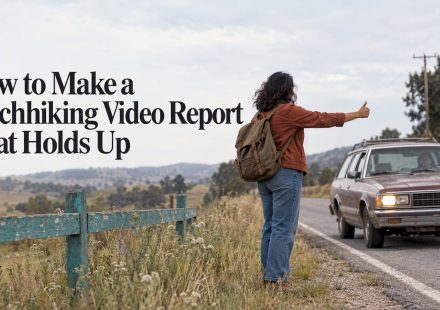
How to Make a Hitchhiking Video Report That Holds Up
Plan, shoot and edit a hitchhiking video report: the history, the laws, the safety facts and the stories of riders, plus a simple online editing workflow.

Call to Action in Video: How to Write, Place and Add One
Learn what a call to action in video is, how to word it, when to show it and how to add it as text, voice-over or a button, with examples for every goal.

How to Cut to the Beat: Edit Video to Music
Learn how to cut video to the beat of a song: find the beats, place your cuts, vary the rhythm, and check the sync. Includes a step-by-step workflow and a FAQ.
Export Settings for YouTube: Format, Bitrate and Frame Rate
The export settings YouTube recommends: MP4, H.264, bitrate by resolution and frame rate, audio and color, plus a checklist that works in any editor.

Small Business Video Editing: A Practical Guide for Owners
How to handle small business video editing yourself: what to film, which tools fit, how to caption, what it costs, and a simple weekly workflow.
TikTok Video Editing Tips: 12 Ways to Hold Viewers
TikTok video editing tips that work: hooks, pacing, captions, transitions and safe zones, plus how to edit in your browser with no download.

Text Reveal Effects: 6 Ways to Do Them in Video
Learn how text reveal effects work, six techniques you can build on a timeline with keyframes, and how to keep reveals readable and accessible.

How to Speed Up Video Export: 9 Fixes That Work
Exports taking forever? Learn what slows video rendering and how to cut the wait: hardware encoding, smarter bitrate, simpler timelines, or a cloud editor.