
Creating polished videos online without running into slow uploads, restrictive templates, or unreliable rendering disrupts many workflows. Some online editors lock advanced features behind paid plans, limit multistreaming or branding controls, or fail at reliable exports and localization. This comparison explains features, speed, pricing, and real use cases so content creators and marketers can match a better option to their output needs.
Table of Contents
Kudoflix
At a Glance
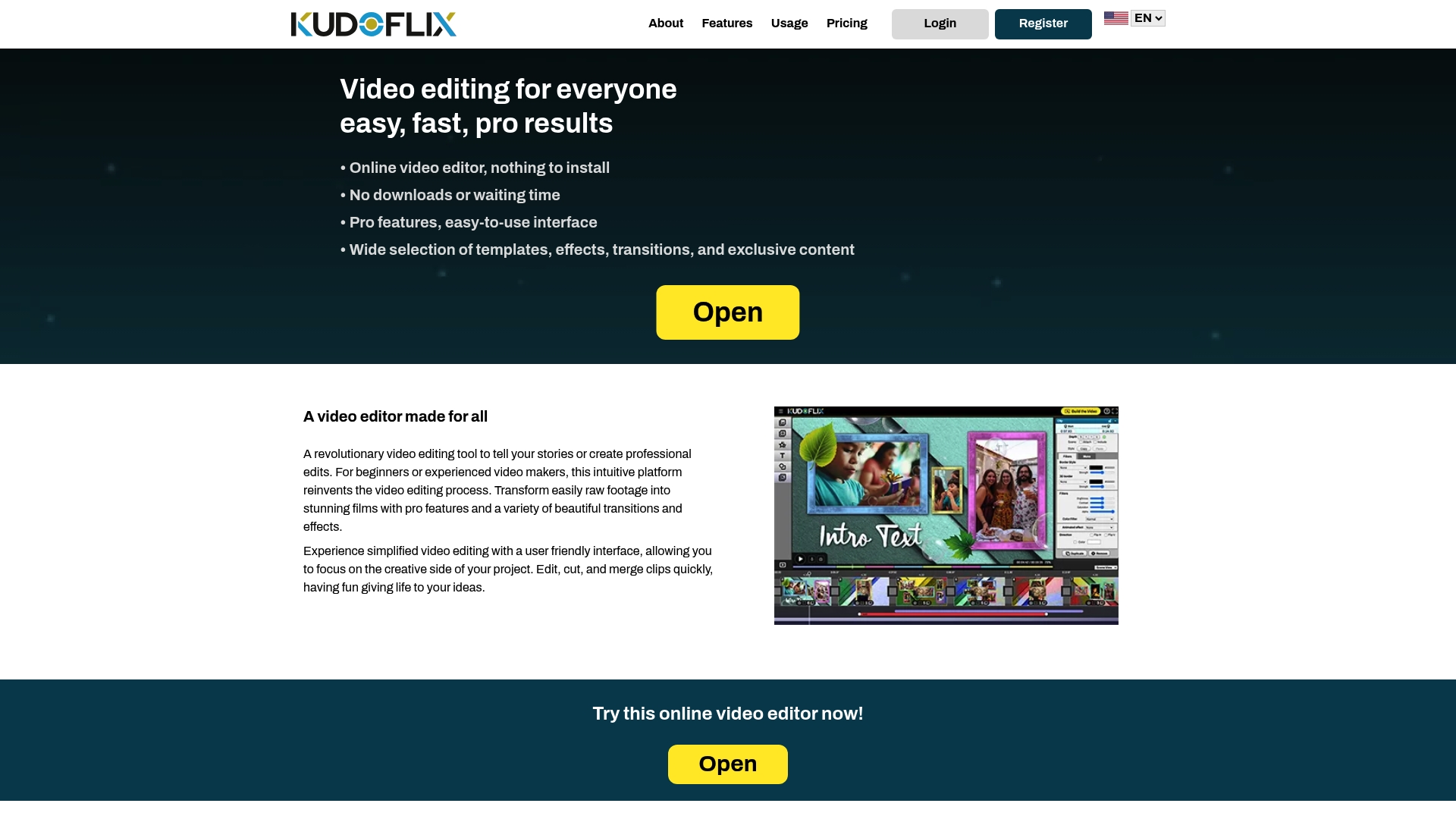
Projects are stored primarily on your computer for faster processing and improved privacy. Kudoflix runs in the browser so you do not need to install software. It pairs an easy drag-and-drop interface with fast rendering and a large library of templates, transitions, and visual effects.
Core Features
Kudoflix delivers online video editing that requires no downloads and keeps project files local by default while offering optional online storage. The editor includes pro features such as effects, transitions, filters, and ready-made templates plus an exclusive asset library of clips, music, and illustrations. Fast rendering uses your local hardware for shorter wait times and a straightforward interface suits beginners and experienced editors.
Key Differentiator
The single biggest difference is using local hardware plus optional cloud storage to speed processing and protect privacy. That approach reduces dependency on slow uploads and lets the editor finish renders on your own machine instead of routing everything through remote servers.
Pros
Beginners benefit from a simple drag-and-drop workflow while experienced editors keep access to pro controls and effects. Rendering relies on local processing which shortens wait times on capable machines and keeps files private by default. The exclusive content library and template collection cover social clips, family videos, and professional projects so you can finish varied work without hunting for external assets.
Cons
- Rendering speed depends on local computer performance and can be slow on older or less powerful machines.
Who It’s For
Content creators and casual videographers who value speed, privacy, and minimal setup will find this useful. Small businesses and social creators who publish frequently benefit from fast local renders and built-in templates. If you want quick, polished videos without learning a complex desktop editor, this fits well.
Unique Value Proposition
Projects stored primarily on your computer by default set Kudoflix apart and shorten render cycles for many workflows. That design reduces upload bottlenecks and cuts the time between editing and publishing. The local-first model also keeps sensitive footage off third-party servers unless you choose optional online storage.
Real World Use Case
A daily vlogger edits clips, applies custom transitions, and renders episodes on a laptop for same-day upload. Using the built-in asset library speeds thumbnail and intro creation. Local rendering lets the creator publish multiple short videos in a single afternoon without long cloud queues.
Pricing
Plans use subscription pricing with monthly or annual options and no lifetime license option. Exact tier details and current rates are listed on the Kudoflix website. The vendor positions pricing around ongoing access to the editor and its asset library rather than a one-time purchase.
Website: https://kudoflix.com
Wave.video
At a Glance
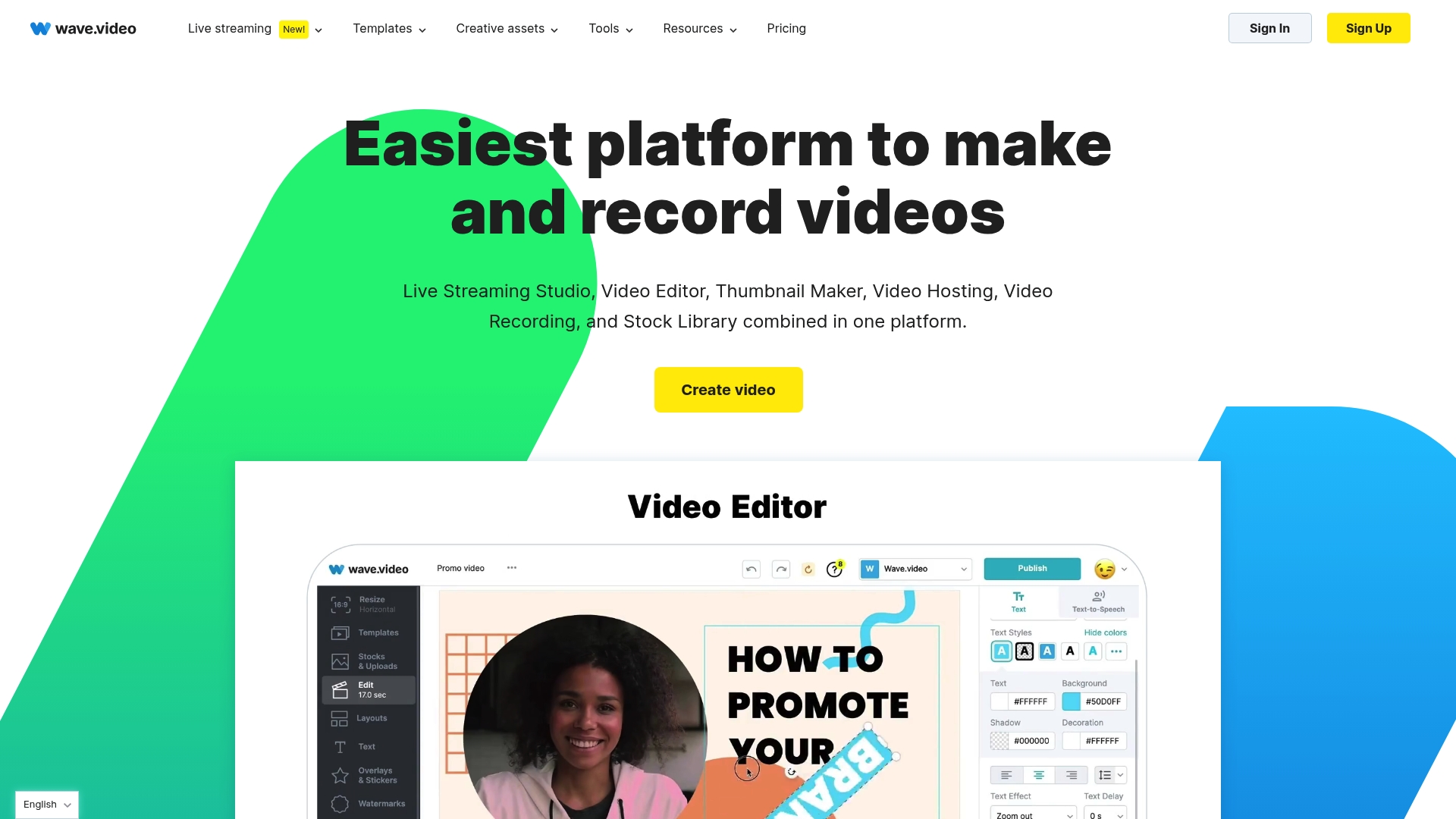
Wave.video supports live streaming to multiple channels simultaneously. It pairs hosting and analytics with an online editor and a large template and stock media library. The platform targets creators and small marketing teams that need video creation, hosting, and multistreaming in one place.
Core Features
Wave.video combines video hosting with customizable players and basic analytics, an online editor with effects, transitions, captions, and background removal, plus live streaming and multistreaming to multiple platforms. The media library includes templates, stock videos, images, and music you can apply inside the editor. Additional tools let you combine clips, make GIFs, and convert existing YouTube content for reuse.
Key Differentiator
The standout trait is the platform model that groups creation, hosting, live distribution, and templated assets under a single workflow. That approach reduces the handoffs between editing, publishing, and monitoring. Branding controls and built in analytics keep assets consistent and make performance easier to review.
Pros
The platform covers hosting, editing, and streaming in one package which keeps work inside a single environment. Newcomers appreciate the user friendly editor and social resizing tools that speed up repurposing for different platforms. The resource library and support materials shorten ramp up time for teams moving from basic edits to live events.
Cons
- Rendering can be slow for large or complex videos. Users report wait times that interrupt tight deadlines.
- Recent updates have introduced occasional crashes and interface glitches that affect stability. This impacts longer editing sessions.
- Some long term users find templates feel dated compared with current social trends.
- The free tier restricts intro screen options and branding removal which limits professional delivery without a paid plan.
When It May Not Fit
If your work involves large, high resolution projects you may hit performance limits and stability issues. Teams that need flawless, fast rendering for tight turnaround may prefer a desktop editor. If you require every template and feature on a free plan this product will feel restrictive.
Who It’s For
Content creators, small to medium sized marketing agencies, and businesses that need quick branded videos and live streaming will get the most value. Teams that want to keep editing, hosting, and streaming in a single environment benefit from the built in brand and analytics controls. If you produce frequent social media clips and webinars this fits common workflows.
Real World Use Case
A marketing agency edits social clips from client shoots, applies brand kits, and exports resized versions for Facebook, Instagram, and TikTok. The same team uses multistreaming to run live webinars on Facebook and YouTube while tracking viewer metrics in the hosting dashboard. That workflow keeps client assets organized and reduces time spent moving files between tools.
Pricing
Plans start with a Free tier and move to paid plans that the vendor lists as Streamer ($16/month), Creator ($24/month), and Business ($48/month) with annual billing and discounts available. Tiers differ by streaming limits, branding controls, and access to premium assets.
Website: https://wave.video
Pixiko
At a Glance
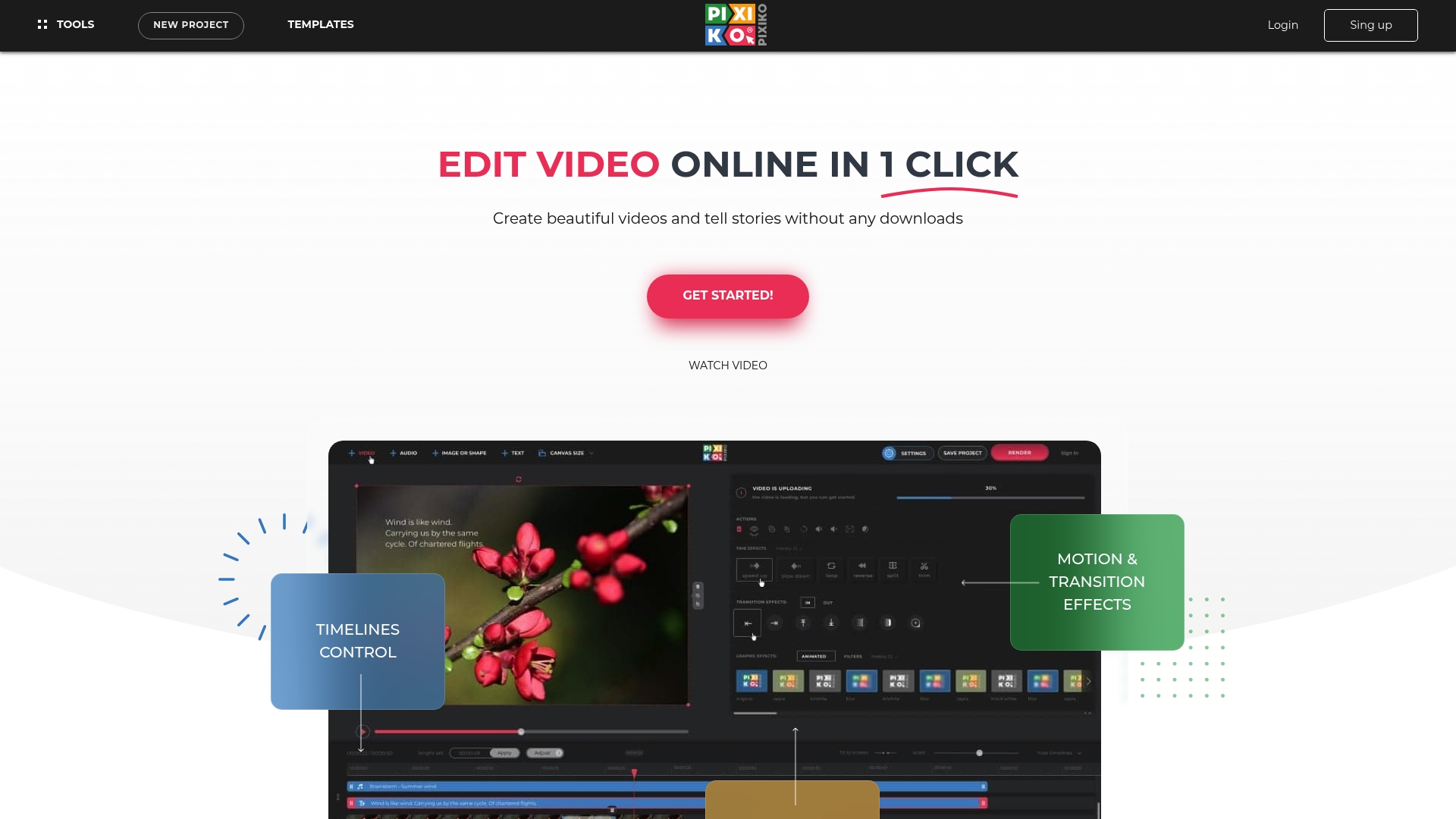
Pixiko provides export presets for YouTube, Facebook, Instagram, and TikTok alongside browser-based editing tools. The editor targets fast social media output with ready-made designs and simple timelines. User reviews report frequent rendering failures that affect reliability for deadline-driven projects.
Core Features
Pixiko offers a range of timeline and clip tools including merger, trimmer, resize, crop, mute, converter, and stabilizer, all in the browser. The editor includes text addition and text animations, plus effects and filters such as retro, vintage, and glitch. Users can pick from templates to assemble short social clips quickly and export with social media size options.
Key Differentiator
The main appeal is the workflow that prioritizes speed and simplicity for social posts. Pixiko combines many basic editing functions with template-driven assembly. That focus helps people who need quick edits without learning full desktop editors.
Pros
The interface lowers the barrier to simple edits and helps noneditors finish short clips fast. The toolset covers core tasks for social content, including trimming, resizing, filters, and animated captions. Templates shorten the production time for promotional reels and short ads.
Cons
- Frequent reports of software glitches and bugs that interrupt editing sessions.
- Issues with video rendering success, which makes exports unreliable for strict deadlines.
- Poor customer support experiences reported by users, increasing risk when problems arise.
- Overall user sentiment is largely negative because of technical failures and unreliability.
When It May Not Fit
Pixiko may not fit professional teams that need consistent render reliability. High-stakes campaigns and client deliverables can fail if export problems occur. Anyone who requires guaranteed builds or detailed color grading should look elsewhere.
Who It’s For
Casual social media creators, bloggers, and small-business owners who need quick web-based edits will get the most value. Marketers who prioritize speed over fine control can use templates to publish fast. People who need consistent, production-grade output will find Pixiko limiting.
Real World Use Case
A marketing professional assembles a promotional clip from a template, swaps in product footage, and adds animated text. The editor speeds up the assembly and exports platform-ready sizes for Instagram and TikTok. The marketer must allow extra time for re-exports when rendering fails.
Pricing
Pricing is not listed for online purchase. The product entry notes “Not applicable — informational only.” Trialing the editor before committing to a workflow is advisable because of the reported reliability issues.
Website: https://pixiko.com
Bevyl
At a Glance
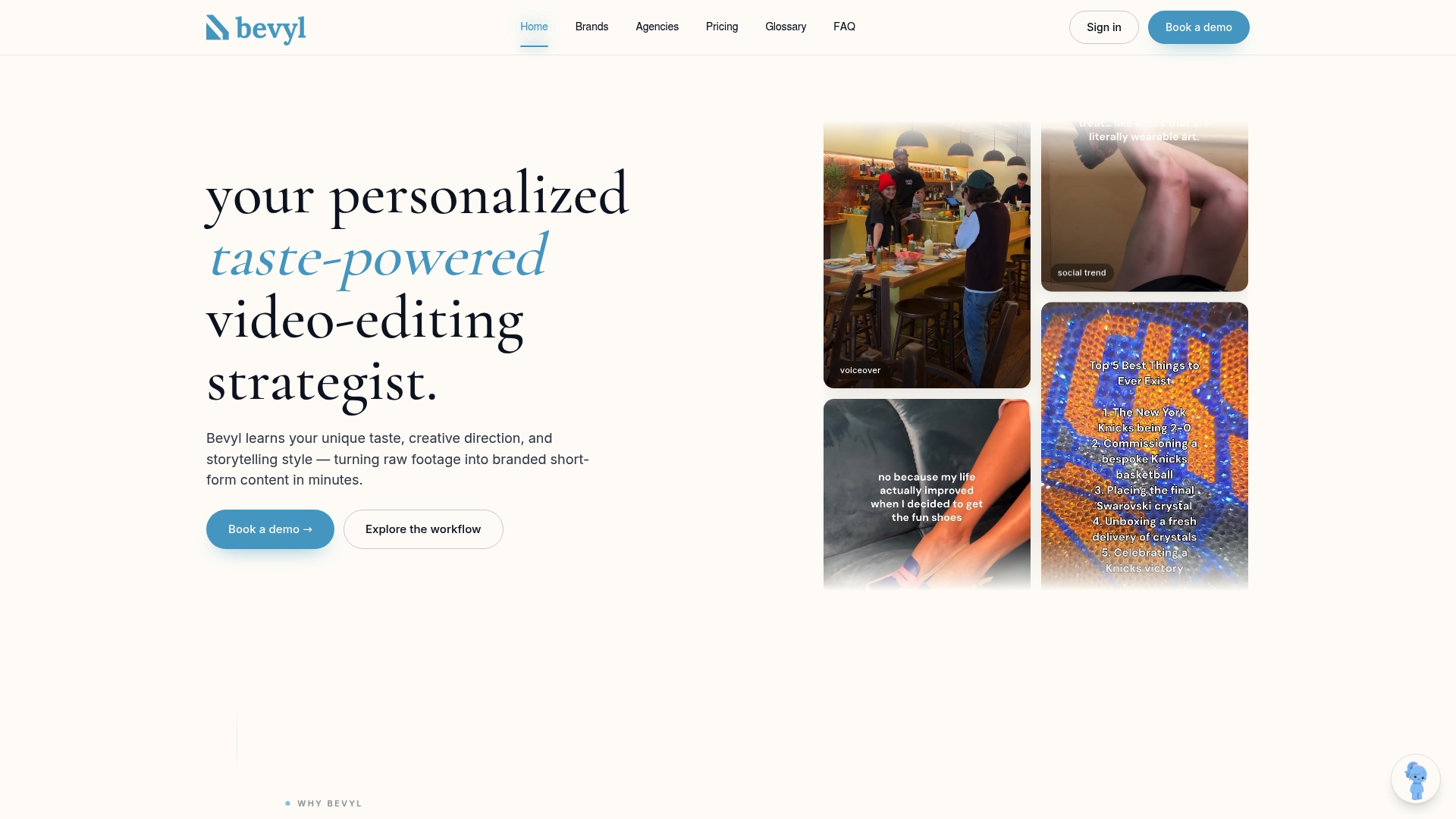
Bevyl reports 90% brand accuracy in first pass drafts. According to the company, it can produce an on brand short video from raw footage in 3–5 minutes. The product focuses on learning a brand kit and applying that profile to generate consistent short form campaign clips quickly.
Core Features
The AI learns your brand voice, style, and storytelling direction and stores logos, fonts, colors, and voice assets in a brand kit. Users train the system via a dashboard and then feed raw footage for automated editing. The workflow pairs AI prescribed editing strategies with built in professional editing tools so teams can refine outputs without rebuilding assets.
Key Differentiator
Automated edits that learn and replicate a brand voice set Bevyl apart. The system centers on an editable brand profile that the AI applies to each clip. That focus makes the product narrow for marketers who need consistent short form content rather than a general purpose timeline editor.
Pros
The vendor advertises a 95% reduction in manual editing time, which lets teams push more campaigns with fewer hands on work. The platform combines brand training and fast first pass drafts, and the accuracy figure above suggests fewer early revisions in many workflows. Uploading logos, fonts, colors, and voice assets gives marketers direct control over how the AI applies a brand look and voice.
Cons
- Site pages for detailed features and integrations are missing, so third party connections are unclear.
- Limited external review data makes independent assessment of long term reliability difficult.
- New users unfamiliar with AI editing may find the initial brand training and setup complex.
When It May Not Fit
If your team demands full manual timeline control and frame by frame editing, Bevyl may feel too automated. If you require specific integrations with publishing or asset management tools, the lack of listed integrations will be a constraint. Small teams without established brand assets may not benefit from the upfront training effort.
Notable Integrations
No third party integrations are listed on the public site, and the integrations page appears to be missing. The absence of documented connectors means you should confirm platform compatibility before committing.
Who It’s For
Marketing professionals and brand managers who need high volume, consistent short form videos will find this approach useful. Agencies managing multiple client brands benefit from a central brand kit and reusable training. Teams prioritizing storytelling and campaign coherence will get the most value.
Real World Use Case
A fashion brand uploads runway footage and campaign assets to Bevyl and trains the brand kit once. Bevyl returns short form campaign videos that match the brand voice without manual cutting. The brand saves editorial hours and maintains visual and tonal consistency across social channels.
Pricing
Plans start at $199/month with higher tiers for high volume teams and custom enterprise options. A 7-day free trial is available. Enterprise pricing is provided via custom quotes for large teams.
Website: https://bevyl.ai
Kedy.AI
At a Glance
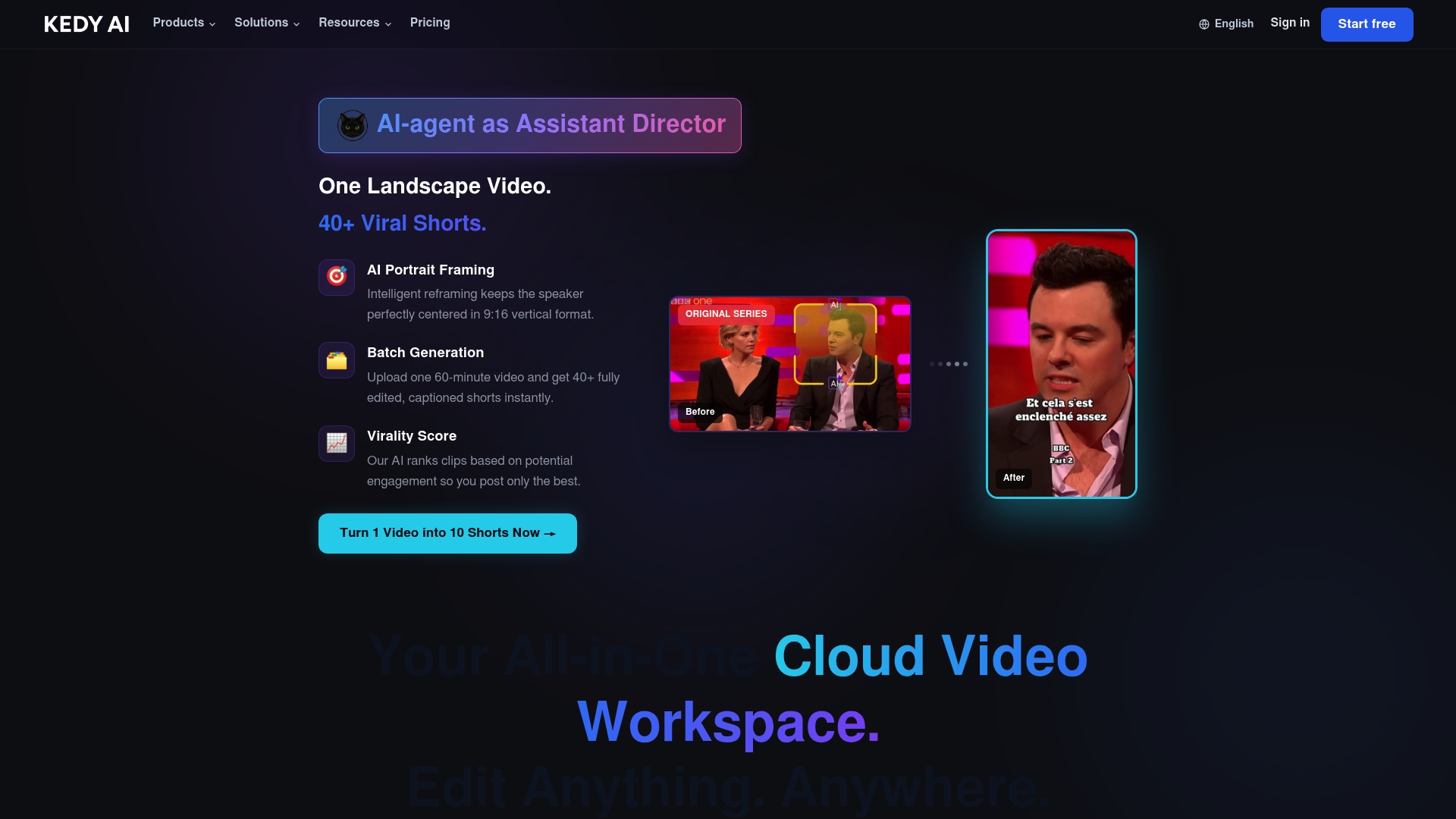
An in-browser workflow that clones voices into multiple languages while producing vertical shorts from long recordings. The platform also supports batch processing and programmatic pipelines to cut long-form video into shareable clips. That combination targets creators and media teams focused on rapid localization and volume publishing.
Core Features
Kedy.AI includes an AIShort generator that extracts attention-grabbing clips and an in-browser editing suite for final tweaks. The system offers voice cloning for multilingual dubbing, plus auto-captions and translation to speed localization. A flexible API and batch processing let teams convert long videos into many short formats without leaving the browser.
Key Differentiator
Kedy.AI’s standout capability is browser-based multilingual dubbing paired with vertical short generation. That single workflow removes the need to export audio to external tools for voice cloning and short-format assembly. Teams handling global content can run localization and clip creation inside one environment.
Pros
Kedy.AI bundles tools that focus on repurposing long videos into high-volume short-form assets, which reduces manual trimming and subtitling work. The voice cloning plus translation pipeline helps produce local-language promos and captions quickly. The platform supports both individual creators and enterprise clients and exposes an API for programmatic automation.
Cons
- No third-party user reviews are available to confirm real customer experience.
- Many feature descriptions come from marketing materials, so real-world usability and support quality are unverified.
- The credit model adds a layer of budget complexity for teams that need predictable, recurring output.
- Public case studies or independent performance benchmarks are not listed.
When It May Not Fit
If you require verified customer references or independent performance benchmarks, this solution may not meet your validation needs. Large enterprises that mandate audited service levels or long-standing vendor history should treat the lack of external reviews as a risk. Teams who prefer on-premise workflows will find a browser-only tool restrictive.
Who It’s For
Creators, marketers, and media organizations that need fast, automated localization and high-volume short creation will get the most value. OTT platforms and brands aiming to publish region-specific promos and social clips at scale will find the in-browser automation useful. Smaller teams that prefer plug-and-play tools also fit this profile.
Real World Use Case
A media company feeds long episodes into Kedy.AI, then uses the batch processor to extract promos and shorts. The team applies voice cloning and translation to produce localized promos for multiple markets and publishes them on social channels with subtitles.
Pricing
Kedy.AI offers a free tier that includes 20 credits/month for light testing. Paid plans begin at $15/month for 150 credits, with custom enterprise pricing available for larger volumes.
Website: https://kedy.ai
Comparison of Alternatives
Video editing solutions offer diverse benefits influenced by technological approach and feature specialization. Kudoflix, Pixiko, Wave.video, Bevyl, and Kedy.AI provide unique ways to address creators’ challenges.
Rendering Efficiency
Kudoflix leads in video rendering efficiency due to its usage of local hardware. By leveraging local processing, it shortens render times significantly compared to browser-dependent solutions like Wave.video and Pixiko, which may encounter slower uploads and rendering speeds. However, older or underperforming hardware may hinder the rendering advantage of Kudoflix compared to others.
Branding Accuracy
Bevyl excels in generating brand-consistent content rapidly. Its AI mechanisms adapt campaign assets such as logos and narratives, reducing manual editing effort and increasing asset uniformity. For creators needing turn-key workflows aligned with sophisticated branding requirements, Bevyl achieves superior results despite its higher initial configuration demands.
Best Fit
- Content creators and small businesses needing fast and private processing will find Kudoflix a practical solution.
- Branding teams requiring automated asset customization and campaign coherence should explore Bevyl for its unique AI-driven workflows.
- Media agencies with heavy localization needs will benefit from Kedy.AI’s multilingual dubbing and batch processing tools.
- Social media managers prioritizing integrated hosting and analytics pipelines alongside video creation will value Wave.video.
Our Pick
Kudoflix’s combination of local rendering speed and privacy safeguards aligns well with fast-paced, secure editing workflows desired by many creators. Its accessibility and straightforward interface allow streamlined project outputs. While Kudoflix dominates in fostering privacy-focused editing models, platforms like Bevyl outperform when sophisticated branding and asset automation are.
The following table compares alternatives to identify a suitable online video editing platform based on unique use cases and features:
| Product | Key Features | Best For | Pricing | Limitation |
|---|---|---|---|---|
| Kudoflix | Local-first rendering, browser-based editing, rich asset library | Content creators and casual videographers | Price not published | Rendering speed affected by less powerful hardware |
| Wave.video | Includes video hosting, analytics, multistreaming, extensive media library | Teams combining video creation and live streaming workflows | Free, $16–$48/month | Slower rendering for large videos; interface stability issues |
| Pixiko | Browser-based; social export presets; timeline, effects, and template tools | Quick production of social media content | Price not published | Reliability issues with rendering and software glitches |
| Bevyl | AI brand kit-based consistent videos, rapid short-form video production | Marketing teams with high-volume branded content needs | Starts at $199/month | Limited integrations and unverified long-term performance |
| Kedy.AI | Multilingual dubbing, automated short creation, batch processing, API support | Media teams requiring rapid localization and volume clip creation | Free, from $15/month | Lack of third-party reviews and published performance benchmarks |
Which CapCut.com Alternative Matches Your Video Editing Needs?
Many content creators and casual videographers face common frustrations with video editors that require downloads, complex setups, or slow rendering. Kudoflix meets those core concerns by providing a browser-based platform that requires no installation and relies on your computer’s hardware for faster processing and better privacy. Its extensive library of exclusive templates, transitions, and effects makes it easy to create polished social clips, business presentations, or family memories without searching for extra assets.
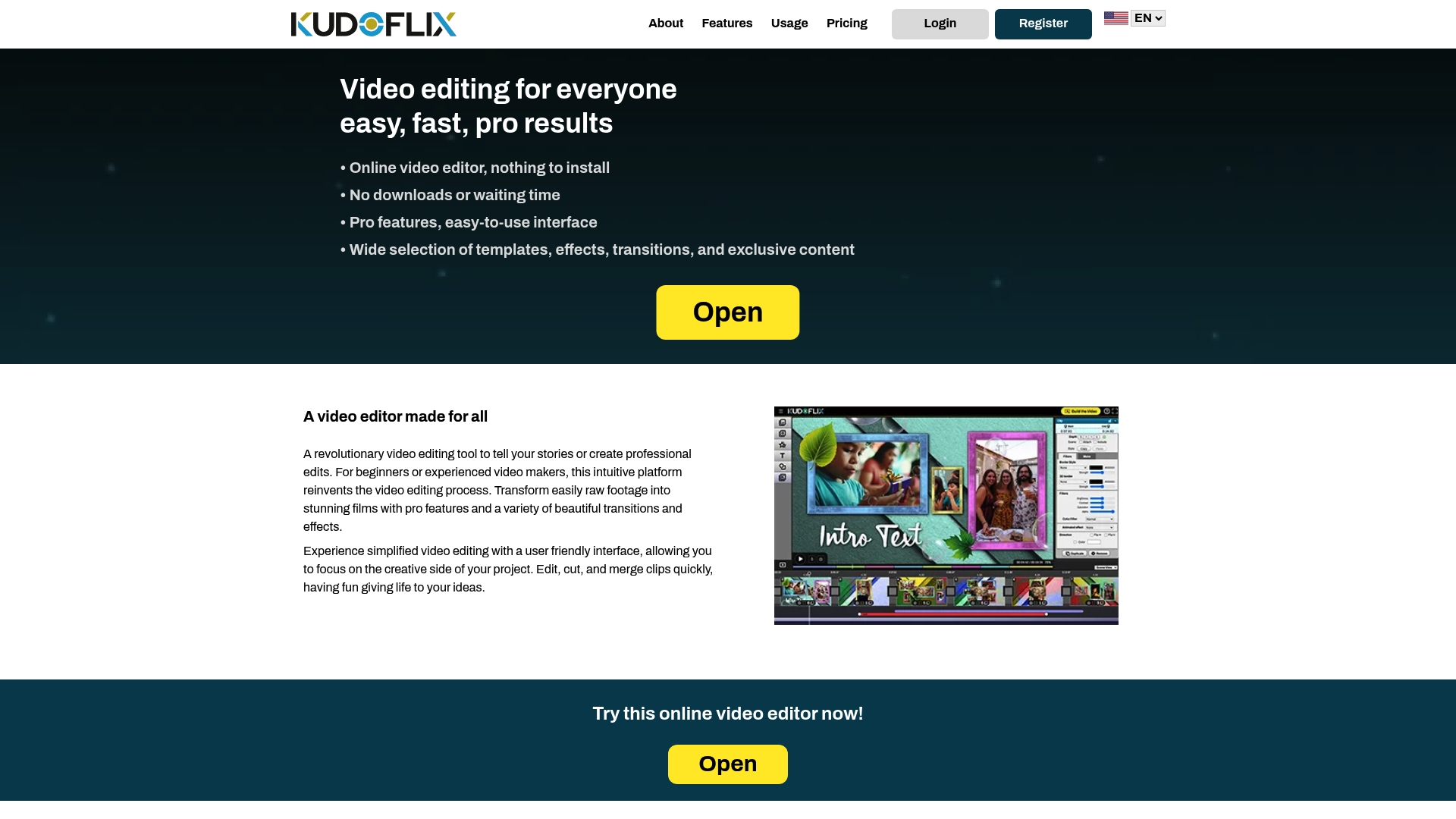
If you want a CapCut.com alternative that balances speed, simplicity, and professional-grade features, visit Kudoflix. Start crafting impressive videos quickly with an intuitive drag-and-drop interface and local-first rendering that speeds up project completion.
FAQ
How does Kudoflix improve video rendering times?
Kudoflix speeds up rendering times by using local hardware for processing. This design utilizes your computer’s power, providing faster output compared to relying solely on cloud servers. If you have a capable machine, expect shorter wait times for your video projects.
What is the difference between Wave.video and Kudoflix?
Wave.video excels in combining video hosting, editing, and live streaming under a single platform. In scenarios where live streaming is essential, Wave.video presents significant advantages. Kudoflix is more effective for users who prioritize local processing and privacy when editing without needing multistreaming features.
Can I store my projects online with Kudoflix?
Yes, Kudoflix offers optional online storage for your projects, but it primarily stores them on your computer for improved privacy. This allows you to choose where your videos are saved based on your preferences and needs.
How fast is the rendering process in Kudoflix?
Kudoflix renders videos almost instantly on powerful computers due to its local processing capability. Users with high-performance machines can expect significantly reduced wait times compared to cloud-based editors, enhancing overall productivity.
What benefits does Kudoflix provide for beginner video editors?
Kudoflix features a simple drag-and-drop interface designed for beginner video editors, allowing them to create projects with ease. It also includes templates and effects, which help streamline the video editing process and reduce the learning curve.
Recommended