

Picking an online video editor that finishes projects quickly without limiting creative assets or team collaboration is frustrating for content creators, marketers, and agencies. Many editors lock essential stock content and fast export behind expensive upgrades or lack flexible offline and cloud workflows. This comparison shows which editors combine speed, asset libraries, collaboration tools, and pricing so content teams can match one to project needs without waste.
Table of Contents
Kudoflix
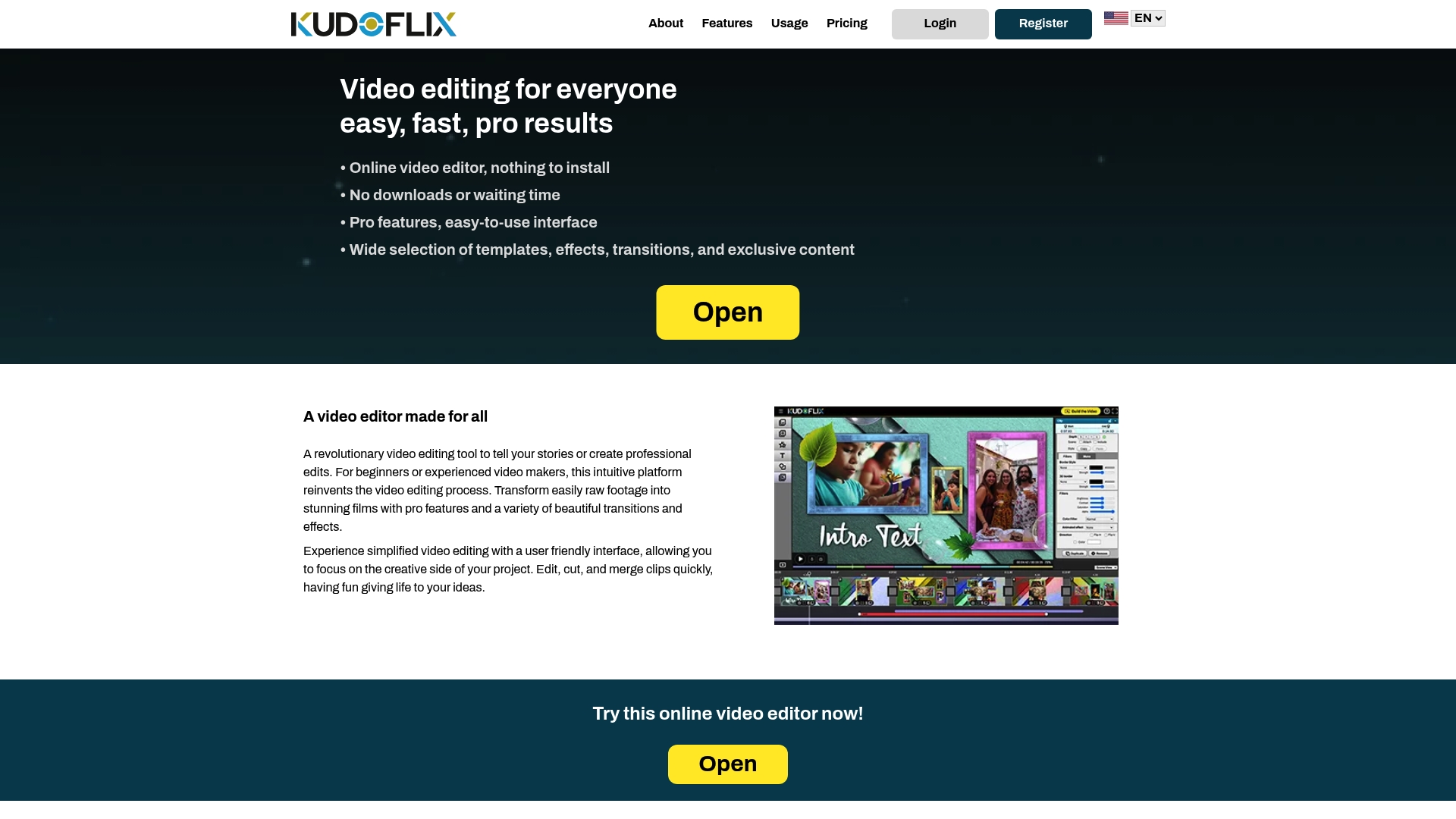
At a Glance
Kudoflix renders projects quickly by offloading tasks to both local hardware and online resources. The editor runs entirely in a browser with no installation required. It includes an exclusive asset library that covers stock media, music, and clipart. The platform aims to make pro features approachable for hobbyists and professionals.
Core Features
The editor works in the browser so you skip downloads and updates. Templates, transitions, animations, and graphic overlays are available from a large library of exclusive assets that helps you finish videos faster. Projects can be saved locally or to cloud storage, and the engine uses both local and online processing to improve render times and responsiveness.
Key Differentiator
Kudoflix blends fast local processing with optional online rendering. That combination reduces wait times on many machines while letting you keep projects on your own drive if you prefer. The asset library is noticeably larger than basic free editors and supplies ready made templates for family clips, social posts, and marketing videos.
Pros
The interface is simple enough for beginners yet organized for experienced editors, so learning clips and timelines takes little time. Rendering benefits from a hybrid architecture that uses the computer and remote resources to shorten export time on capable machines. The asset collection covers video, music, and overlays so you rarely need third party stock. Flexible storage options let you work offline and then sync or upload to the cloud when you choose.
Cons
- No lifetime subscription option; only monthly or yearly plans available.
Who It’s For
This product fits casual editors, families, and solo creators who want quick results without complex software. Small businesses and social media creators will find the template library and fast exports useful for tight deadlines. Educators and trainers who need simple tools for lesson videos will appreciate the browser based workflow.
Unique Value Proposition
Fast local processing is the first concrete advantage you experience when editing long clips. Because the software uses local CPU or GPU alongside online resources, you can export lengthy projects faster on capable hardware. That workflow lowers idle wait time for creators who must produce regular social or marketing videos.
Real World Use Case
A family assembles a holiday montage using themed templates and licensed music from the exclusive library. They edit in a browser session, save the project locally, and then render using local hardware for the final file. The finished video uploads to social profiles without a long wait or complex export settings.
Pricing
Kudoflix offers subscription pricing with monthly and yearly billing options. See the Kudoflix website for detailed subscription plans. The vendor does not list any lifetime purchase alternative.
Website: https://kudoflix.com
Kapwing
At a Glance
Kapwing includes AI tools such as the Video Generator and Script Generator. It supports a collaborative workspace with commenting, brand kits, and cloud storage for teams. The free plan uses watermarked exports and limits export length and quality.
Core Features
Kapwing offers a full video editor plus an audio editor, auto subtitle generator, translation, and templates for social and education formats. The platform also provides AI tools like the Video Generator and Script Generator, text to speech, background removal, and voice cloning. Teams get shared projects, commenting, brand kits, and cloud storage across Free and paid plans.
Key Differentiator
Kapwing pairs AI content creation with team collaboration in a browser based tool. That combination speeds up producing subtitles, language variations, and short social videos. The focus favors fast content production over deep frame by frame manual editing.
Pros
Kapwing is intuitive and shortens the learning curve for people new to video editing. The collaborative workspace simplifies review and version control for small teams and agencies. It supports high resolution exports including 4K, and the Template library helps you produce platform ready variations quickly.
Cons
- Advanced timeline controls and fine frame editing are limited compared with professional desktop editors.
- Free plan exports include a watermark and have restrictions on length and quality.
- The AI tools speed many tasks but do not replace careful manual editing for complex projects.
- The platform requires an internet connection and offers limited offline options.
When It May Not Fit
If you need precise frame level color grading or advanced keyframing, Kapwing will feel constrained. If your workflow requires full offline editing on a desktop, this cloud platform will not match that need. Teams that cannot accept watermarked or short free exports should plan for a paid plan.
Who It’s For
This product fits creative teams, social media managers, educators, and marketers who must produce video quickly with team input. It also suits individual creators who value browser access and AI assisted features. Agencies that need fast turnarounds and shared review will find the collaboration tools helpful.
Real World Use Case
A marketing agency uses Kapwing to produce campaign clips and localize them for multiple platforms. Team members draft scripts with the Script Generator, add subtitles with the auto subtitle tool, and share edits in the workspace. The agency exports platform specific variations for paid channels and organic posts.
Pricing
Start for free with limited exports and watermarks. Paid plans list Pro at $16/month and Business at $50/month, with custom Enterprise options available. Billing can be monthly or annual depending on the chosen plan.
Website: https://kapwing.com
Wave.video
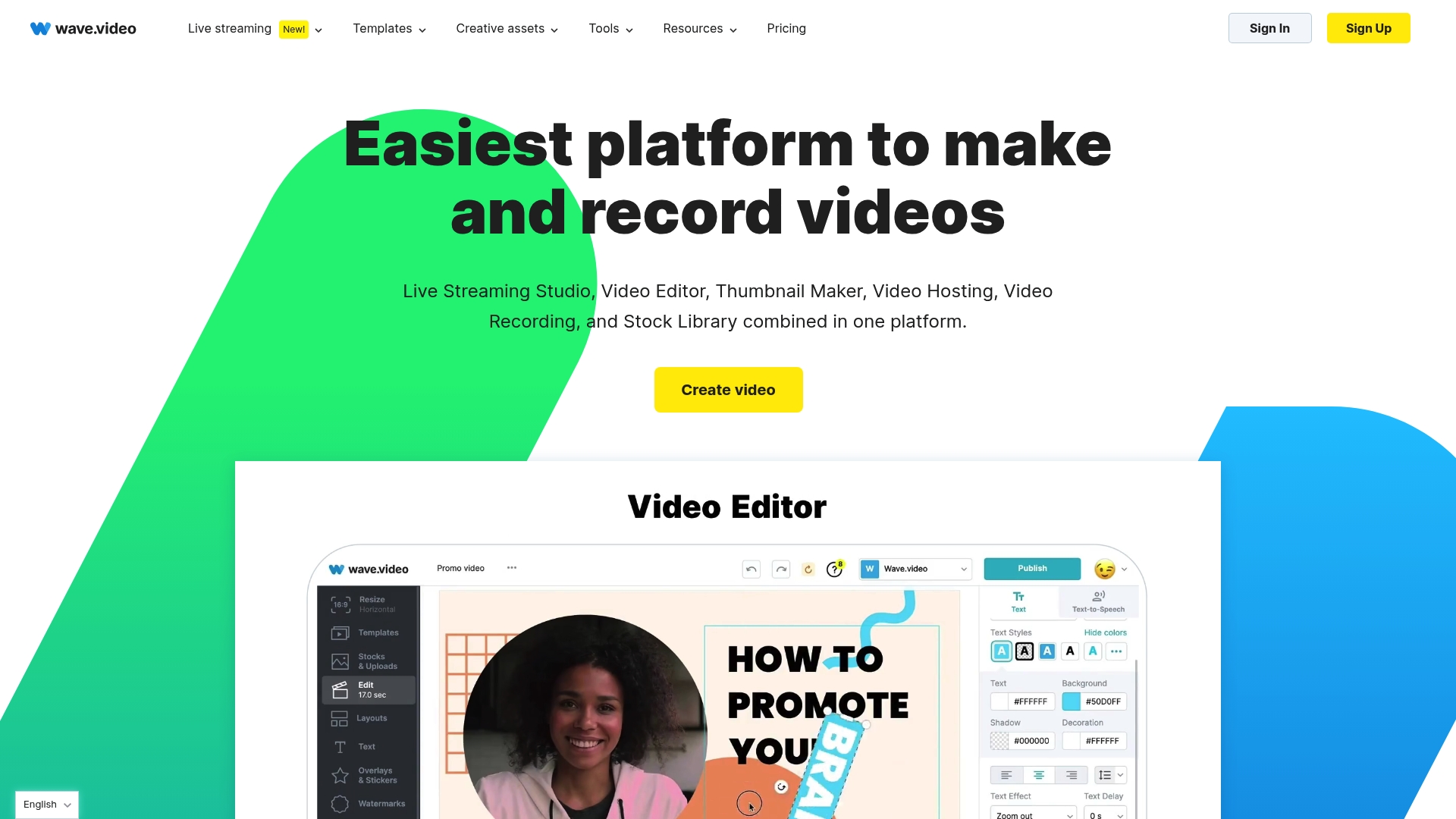
At a Glance
Wave.video reports a stock library of over 2 million assets. That offering pairs with built in hosting, a live streaming studio, and customizable templates for social ads and short clips. Plans include a free tier and paid options beginning at $16/month.
Core Features
The platform combines an online video editor with effects, transitions, text tools, captions, subtitles, and background removal. The Live streaming studio supports multistreaming while hosting provides customizable embed options and basic analytics. A large stock library and templates speed up creation for social and marketing formats.
Key Differentiator
Wave.video brings creation, hosting, and live streaming into a single interface. That setup reduces the number of tools content teams must move between when producing and publishing campaigns. The built in stock assets and templates let marketers produce ads and tutorial clips without sourcing external media.
Pros
Wave.video serves as an all in one solution for video creation, hosting, and multistreaming, which reduces tool fragmentation for content teams. Templates and the sizable stock library speed production; the asset count above gives marketers a broad selection of visuals and music. The interface remains approachable for nonexperts while still offering features that experienced editors will use.
Cons
- Third party reviews indicate editing length limits on lower tier plans, which can restrict longer projects.
- Some users report pricing becomes high for larger teams or heavy volume workflows.
- Third party reviews offer limited detail about advanced editing features, which may concern professional editors.
When It May Not Fit
If your team needs long form editing on an affordable plan, lower tiers may feel restrictive. Large scale enterprises or high volume producers will likely need higher tier plans or a custom enterprise arrangement. Professional editors who require granular advanced tools may find the platform does not provide the depth they expect.
Who It’s For
Content creators, marketers, social media managers, and small to medium businesses that want a single app for video editing, hosting, and live streaming. Teams that value templates and a large stock library for quick social media output will get the most value. Agencies running webinars and promotional campaigns also fit this profile.
Real World Use Case
A digital marketing agency uses Wave.video to build and host promotional videos, run live webinars with multistreaming to social channels, and gather basic analytics to refine campaign messaging. The team reuses templates and stock clips to produce ads faster while centralizing hosting and distribution.
Pricing
Wave.video offers a free tier plus paid plans starting at $16/month. Higher tiers add longer editing limits, advanced features, and enterprise options for large teams or custom needs.
Website: https://wave.video
Comparison of Online Video Editors as Clipchamp.com Alternatives
The table below compares platforms based on features relevant to hobbyists, creators, and marketers seeking efficient video editing solutions.
| Product | Key Differentiator | Best For | Pricing | Notable Limitation |
|---|---|---|---|---|
| Kudoflix | Hybrid local and online processing | Casual editors, small businesses, educators | Price not published | No lifetime subscription option |
| Kapwing | AI tools and collaborative workspace | Creative teams, independent creators, agencies | Free tier; paid from $16/month | Limited advanced editing controls |
| Wave.video | Integrated editing, hosting, streaming | Marketers, small-medium businesses, agencies | Free tier; paid from $16/month | Editing length limits on lower tiers |
Finding the Right Clipchamp.com Alternative for Quick and Easy Video Editing
Many casual editors, families, and solo creators face frustration with complex software or slow export times. Kudoflix solves these challenges by offering a browser-based platform that requires no installation. It uses a unique system blending local and online processing to speed up rendering and keeps your projects safe on your own drive.
With a broad library of exclusive templates and effects, Kudoflix suits users who want polished videos fast without complicated setups. See how it meets the key needs of those searching for clipchamp.com alternatives. Visit Kudoflix to start creating high-quality videos efficiently and share your work with confidence.
FAQ
How does Kudoflix speed up video rendering?
Kudoflix speeds up video rendering by using both local hardware and online resources. This hybrid processing reduces wait times significantly, especially on capable machines. You can expect faster exports on long clips, which is beneficial for creators with tight deadlines.
What is the difference between Kapwing and Kudoflix?
Kapwing excels with its collaborative features, allowing multiple users to comment and edit projects at the same time. Kudoflix is better suited for those looking for fast local processing combined with easy access to a large asset library. This makes Kudoflix ideal for solo creators needing quick results without the complexity of teamwork.
Can I access an exclusive asset library with Kudoflix?
Kudoflix includes an exclusive asset library that covers stock media, music, and clipart, which enhances your editing experience. With this resource, you rarely need to source materials from third-party providers, making it easier to complete your projects.
Does Wave.video have a significant stock library?
Wave.video boasts a library of over 2 million assets for video creation, making it a strong choice for marketers. While it provides a vast collection, Kudoflix also offers a rich asset library tailored for faster, streamlined video editing.
What pricing options does Kudoflix offer?
Kudoflix provides subscription pricing with monthly and yearly plans, but it currently does not support a lifetime subscription option. Choosing a plan that suits your budget and editing needs will help you maximize the benefits of the platform.
Recommended