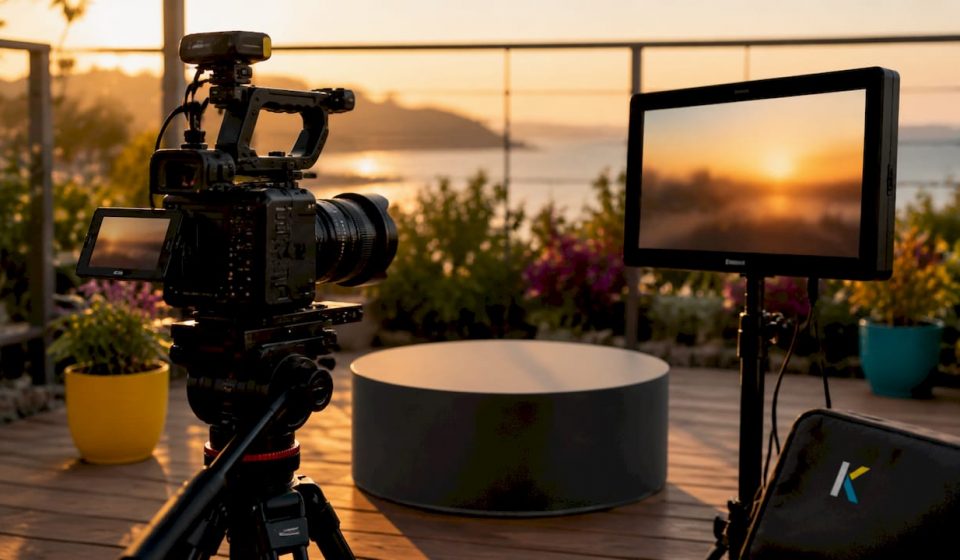

Product videos increase ecommerce conversion rates by up to 80% and reduce returns by 25%. That single fact explains why video marketing for products has moved from optional to standard practice for any business selling online. The industry term for this practice is product video marketing, and it covers everything from 10-second demo clips to full lifestyle shoots. This guide gives you a practical, platform-specific plan to create videos for product promotion that actually convert, whether you run a Shopify store, a local shop, or a growing e-commerce brand.
What types of product videos best showcase different products?
Not every product needs the same video format. The right format depends on your product’s complexity, your buyer’s stage in the purchase process, and the platform where they will watch.
- Product demo videos show the item in use, step by step. They work best for products with non-obvious features, like a multi-function kitchen tool or a software subscription. A demo answers the question “how does this actually work?” before the buyer has to ask it.
- 360° and inspection videos let viewers rotate and examine the product from every angle. This format is especially effective for fashion, furniture, and electronics, where texture, finish, and scale matter. Buyers who can inspect a product closely are less likely to return it.
- Lifestyle videos place the product in a real-world context. A camping stove shown on a mountain trail communicates far more than the same stove on a white background. Lifestyle content drives discovery on social platforms because it tells a story people want to share.
- User-generated content (UGC) videos are filmed by real customers and carry strong social proof. They feel authentic in a way that polished studio footage cannot replicate. Brands that feature UGC alongside professional content typically see higher trust signals from new visitors.
- AI-generated videos are now a practical option for scaling content across large product catalogs. If you sell 200 SKUs, AI tools can help you produce consistent short clips for each product without a full production budget.
Different video types serve different buyer journey stages: short autoplay loops work for browsing, detailed demos work for consideration, and testimonials work for the final decision. Matching format to stage is the most direct way to improve conversion at each point in the funnel.
How to plan and prepare for creating product videos
Good preparation cuts production time in half and produces better results. Before you film anything, answer three questions: What objection does this video need to remove? What channel will it live on? How long should it be?
Define your objective first. A video that tries to do everything does nothing well. Pick one job: introduce the product, explain a key feature, or build trust through social proof. That single focus shapes every other decision.
Choose your format based on channel and complexity. Short products with obvious use cases need 10–30 seconds. Complex products with multiple features can justify 60–90 seconds, but only below the fold on a product detail page (PDP). Format must follow function: social platforms require 9:16 vertical video to feel native, while PDPs and YouTube work best with 16:9 landscape.
Gather your tools. You do not need a film crew. A smartphone with a stabilizer, a ring light or a window with natural light, and a reliable editing platform cover most product video needs. Kudoflix is one example of a browser-based editor that requires no download and includes templates built for product and social formats. For a broader look at digital showcase tools used by professionals, the options in 2026 range from entry-level phone apps to full cloud production suites.
| Element | Recommendation |
|---|---|
| Video length (PDP) | 10–30 seconds for main gallery |
| Video length (demo) | Up to 90 seconds, placed below the fold |
| Aspect ratio (social) | 9:16 vertical |
| Aspect ratio (PDP/YouTube) | 16:9 landscape |
| Lighting | Natural window light or a ring light |
| Editing platform | Browser-based tool with product templates |
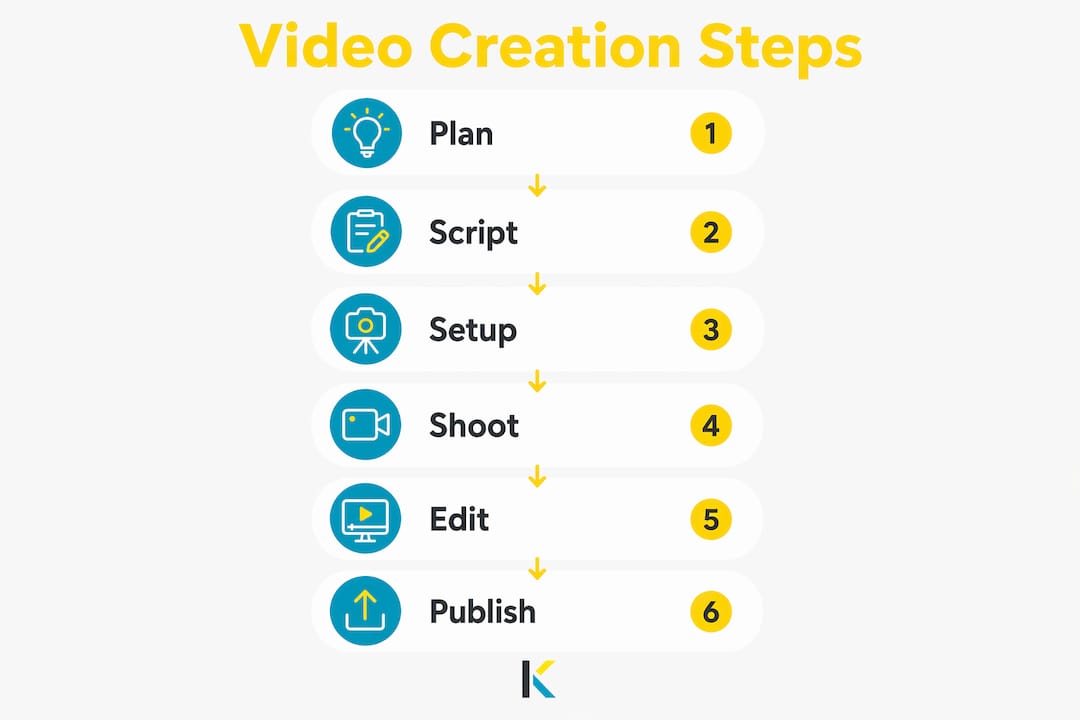
Script for the product, not for the brand. Effective scripts put the product and outcome upfront. Write your script so the first line describes what the product does, not who made it. Viewers skip logos. They stay for solutions.
Step-by-step process to create effective product videos
Follow these steps from first frame to final publish to avoid the most common production mistakes.
- Open with the product in use. Show the product in action within the first two seconds. A branding intro or a slow zoom onto a logo will lose viewers before they see what you are selling. Cut straight to the product doing its job.
- Keep your main gallery video concise. Product page videos should be 10–30 seconds, focused on use and key proof points. Save longer explanations for a secondary video placed further down the page.
- Film multiple versions in one session. While your setup is ready, record short variants at 6–15 seconds for social ads, a 30-second version for the PDP, and a 60–90 second version for YouTube or below-the-fold placement. One shoot, multiple assets.
- Create vertical cuts for social. Take your horizontal footage and reframe the key moments into 9:16 format for TikTok, Instagram Reels, and YouTube Shorts. Vertical video is not optional on these platforms. It is the native format, and non-native content gets less reach.
- Edit for clarity, not for style. Avoid fast camera movements and shaky handheld shots. Steady, well-lit footage with clear product visibility outperforms cinematic editing on product pages. Add light captions to every video because most mobile viewers watch without sound.
- Place the video correctly in your gallery. Position the video as the second item in the product gallery, after the main hero image. Placing video first can frustrate buyers who expect a static shot as their first reference point.
- Publish natively on each platform. Upload directly to Instagram, TikTok, and YouTube rather than sharing a link. Native uploads get priority in each platform’s algorithm. A link to an external video gets far less organic reach.
Pro Tip: Film your product against a clean, uncluttered background for the PDP version, then reshoot or reframe the same product in a lifestyle setting for social. Two backgrounds, one session, two completely different audience experiences.
How to optimize and distribute product videos for maximum impact
Creating the video is only half the work. Where and how you distribute it determines whether it drives sales or sits unwatched.
- Use modular assets for A/B testing. Produce 6–15 second cuts to test different hooks and proof moments in paid social and organic posts. Change the opening shot, the caption, or the call to action, and measure which version drives more clicks. This approach gives you real data instead of guesses.
- Match format to channel without exception. 9:16 vertical video is mandatory for social media; 16:9 landscape works best for PDPs and YouTube. Posting the wrong ratio on any platform signals low production quality to both the algorithm and the viewer. Check your engaging social media formats before you publish.
- Use autoplay loops on homepages and collection pages. A short, silent, looping video on your homepage communicates product quality faster than any headline. Keep these loops under 10 seconds and make sure they load quickly on mobile. Slow-loading video increases bounce rates.
- Embed video in emails and checkout pages. A product video in an abandoned cart email gives hesitant buyers one more reason to complete the purchase. At checkout, a short reassurance clip showing the product in use reduces last-minute doubt. Mobile-optimized video is especially effective here because most buyers check email and complete purchases on their phones.
- Repurpose systematically. One 60-second product video can become a 15-second ad, a 30-second Reel, a GIF for email, and a looping clip for your homepage. Build this repurposing plan before you film so you capture the right angles for every format.
Pro Tip: Set a calendar reminder to review your top-performing product videos every 90 days. Platform algorithms shift, and a format that drove strong results in one quarter may underperform in the next. Small edits to the opening hook can refresh performance without a full reshoot.
Key takeaways
Product videos are the single most effective tool for converting browsers into buyers, and the format, placement, and opening seconds of each video determine whether that conversion happens.
| Point | Details |
|---|---|
| Open with action | Show the product in use within the first two seconds to prevent early drop-off. |
| Match length to placement | Keep PDP videos at 10–30 seconds; reserve longer demos for below-the-fold placement. |
| Format follows channel | Use 9:16 vertical for social platforms and 16:9 landscape for product pages and YouTube. |
| Place video second in gallery | Position video after the hero image so buyers get a static reference before the clip plays. |
| Test with short variants | Cut 6–15 second versions from each shoot to A/B test hooks and proof moments in ads. |
What I have learned from watching product videos succeed and fail
The most common mistake I see is the branding intro. A brand spends real money on a product video, and the first four seconds are a logo animation with music. By the time the product appears, a third of the viewers are gone. The research is clear on this: leading with product action beats branding intros every time. I have watched small businesses with a phone and a ring light outperform brands with full production crews, simply because they cut straight to the product doing something useful.
The second thing I have learned is that simplicity wins on product pages. Buyers on a PDP are already interested. They do not need cinematic storytelling. They need to see the product work, understand the size, and feel confident about the quality. A steady 20-second clip filmed in good natural light does that job better than a heavily edited production with music and color grading.
The third lesson is harder to accept: what works today may not work in six months. TikTok’s algorithm, Instagram’s reach rules, and Google’s video indexing all shift. The brands that stay ahead are the ones that test constantly, keep their video assets modular, and treat distribution as an ongoing practice rather than a one-time launch. Build that habit early, and your product videos will keep working long after the initial publish date.
— Mandrixx
Kudoflix makes product video creation straightforward
Producing polished product videos does not require expensive software or a steep learning curve. Kudoflix is a browser-based video editor built for marketers and small business owners who need professional results without the complexity of traditional desktop tools. No downloads, no installations, and no wasted time on interfaces designed for film studios.
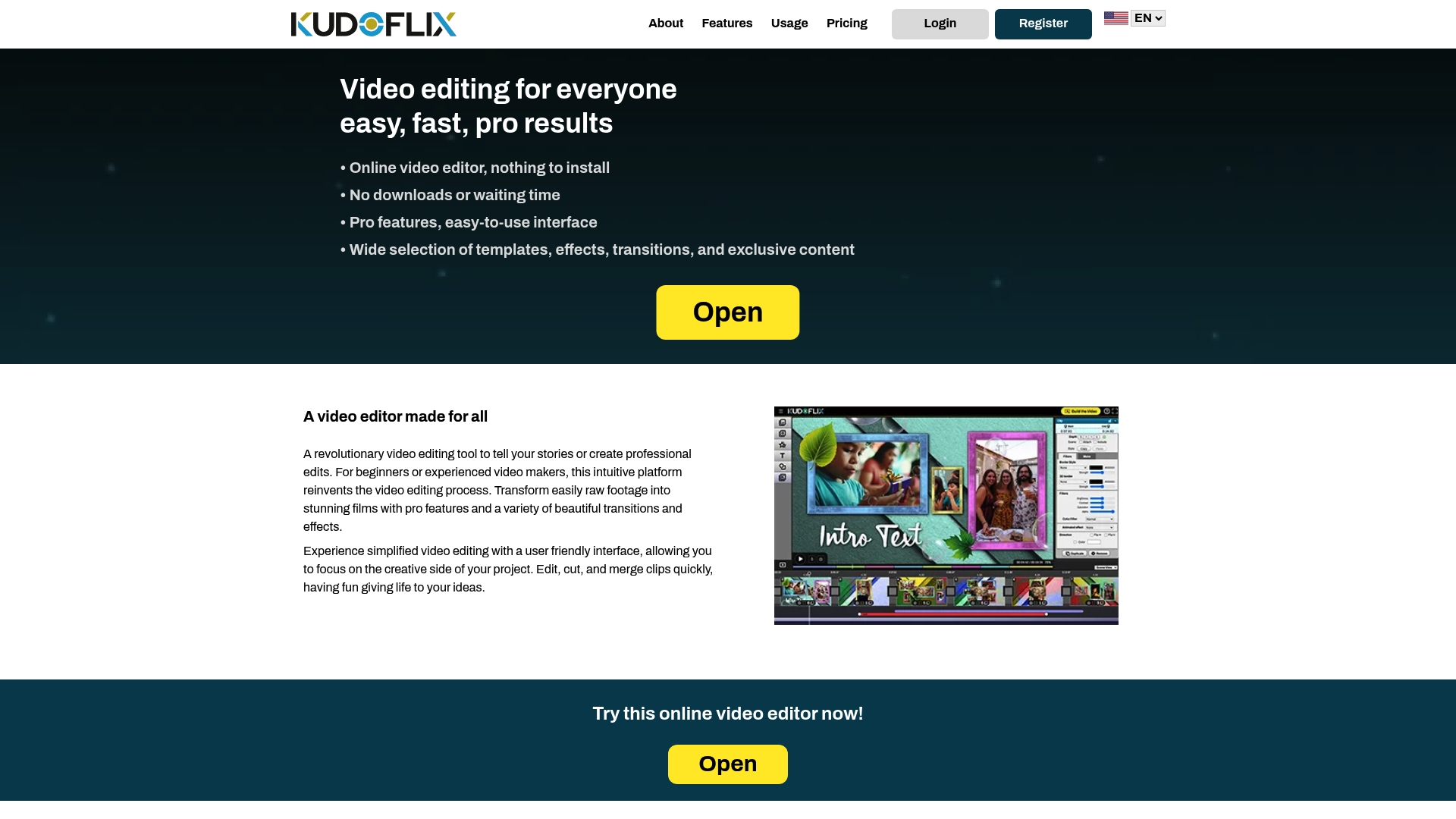
With Kudoflix, you can create professional product videos using ready-made templates sized for PDPs, Instagram Reels, TikTok, and YouTube. Add captions, transitions, and visual effects in a few clicks. The platform’s full feature set covers everything from multi-format exports to color filters, so you can produce all your channel variants from a single editing session. If you want to see what finished results look like, the Kudoflix video examples page shows real outputs across product and social formats.
FAQ
How long should a product video be?
Product page videos should be 10–30 seconds, focused on use and key proof points. Longer demos up to 90 seconds work below the fold, where buyers are already engaged and want more detail.
What video format works best for social media?
9:16 vertical video is the required format for TikTok, Instagram Reels, and YouTube Shorts. Posting horizontal video on these platforms reduces reach and looks out of place to viewers scrolling natively.
Where should I place a video on a product page?
Place the video as the second item in the product gallery, after the main hero image. This balances user expectations for a static reference shot with the engagement benefits of video.
Do product videos need captions?
Yes. Light captions improve comprehension and engagement because most mobile viewers watch videos without sound. Captions also make your content accessible to a broader audience.
How many video variants should I create from one shoot?
Produce at least three variants: a 10–30 second PDP clip, a 6–15 second social ad cut, and a vertical 9:16 version for Reels or TikTok. Multiple short variants from one shoot improve ad testing agility without adding production costs.
Recommended