

Editing videos online without delays, clutter, or strict cloud requirements still frustrates many marketing teams, creators, and small studios. Most popular video editing tools either slow down on long uploads, limit features by subscription, or demand constant internet for every project. This comparison shows which alternative matches your workflow, device privacy, and project length without another round of test installs and account setups.
Table of Contents
Kudoflix
At a Glance
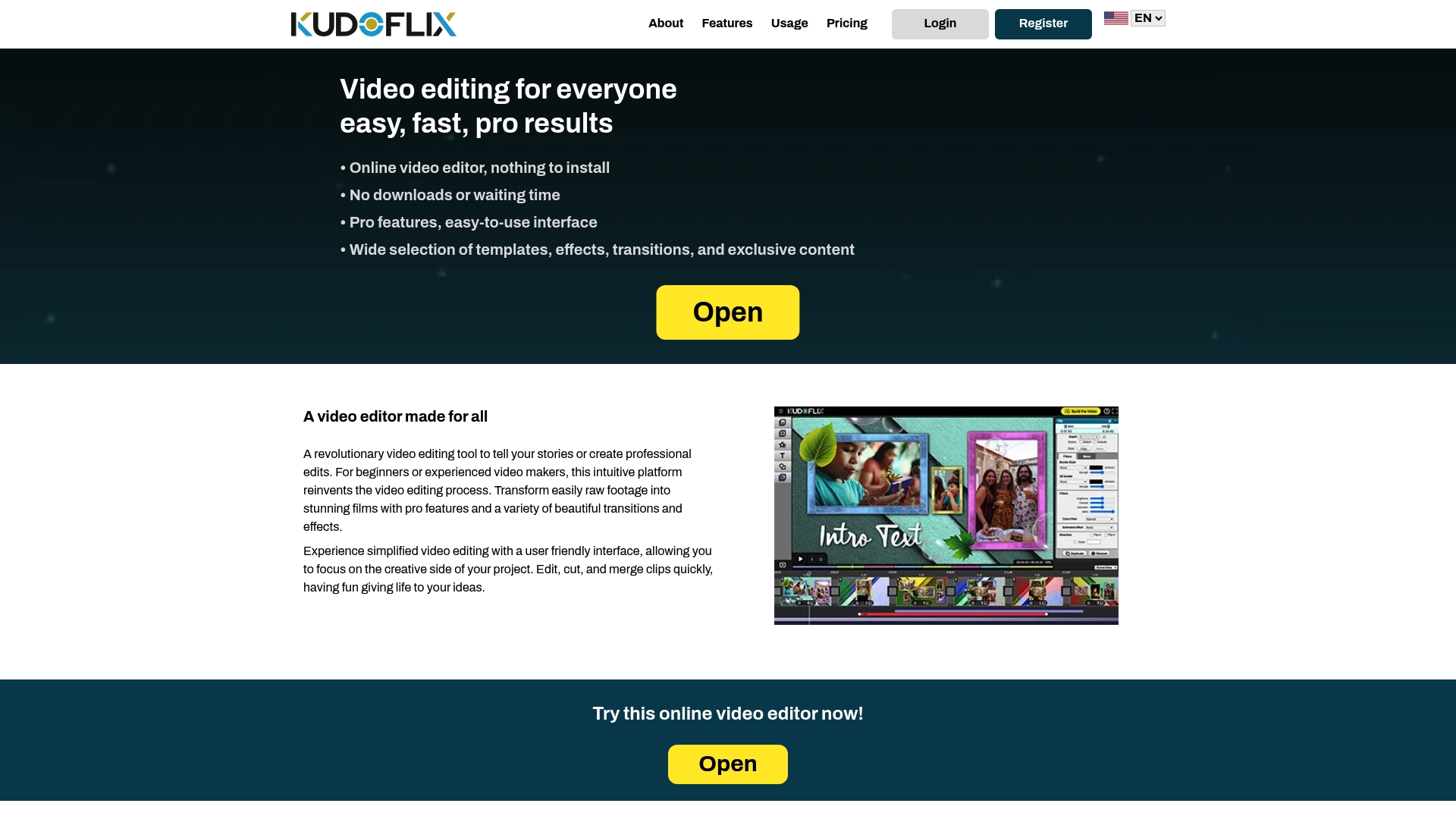
Kudoflix processes video tasks on your own device and uses optional online backup when needed. This local processing cuts the need to upload full projects for every edit. The approach reduces wait times and keeps projects available even with limited bandwidth.
Core Features
Kudoflix runs entirely in the browser so you do not download or install software. The interface is easy for beginners yet exposes pro editing tools like transitions, visual effects, and layered timelines. The platform also offers a large library of exclusive templates and assets plus an architecture that uses local device power with internet fallback for faster output and optional offline project storage for privacy.
Key Differentiator
The defining feature is the local processing architecture that edits and renders on your device while syncing to online backup when you choose. That design reduces cloud upload delays and gives snappier preview playback for edits. Rendering still depends on your device, but the workflow feels faster because less data moves over the network.
Pros
Kudoflix works for every skill level, from children to experienced editors, because the interface balances simplicity and pro controls. The local processing design makes the app responsive and shortens wait time for previews and final renders on many machines. A large catalog of exclusive templates, effects, and transitions means you can produce polished family videos or social clips without hunting for stock assets. Offline project storage provides an extra privacy option and helps when you need quick local exports.
Cons
- Video rendering speed depends on your device performance, so slower machines will take longer to export.
Who It’s For
Kudoflix fits families who want quick holiday montages, creators who publish regular social clips, and small teams that need professional looking presentations without a steep learning curve. It suits people with intermittent internet because local editing reduces reliance on constant uploads. It also fits users who value private, local storage for sensitive projects.
Unique Value Proposition
Local editing with optional cloud backup means you edit and render without sending every clip to a server first. That lowers upload time and reduces data use for large projects. For creators on limited broadband, this changes the workflow by letting you iterate quickly and keep master files locally for privacy and control.
Real World Use Case
A family imports phone footage into Kudoflix, picks a holiday template, and drags clips into the timeline. They apply exclusive transitions and music, preview locally, and export a shareable file in minutes. The result posts to social media without long upload waits or complex software steps.
Pricing
Kudoflix uses subscription pricing with monthly or yearly plans. The vendor lists only recurring plans and does not offer a lifetime purchase option. For exact tier names and current rates, check the company site.
Website: https://kudoflix.com
Wave.video
At a Glance
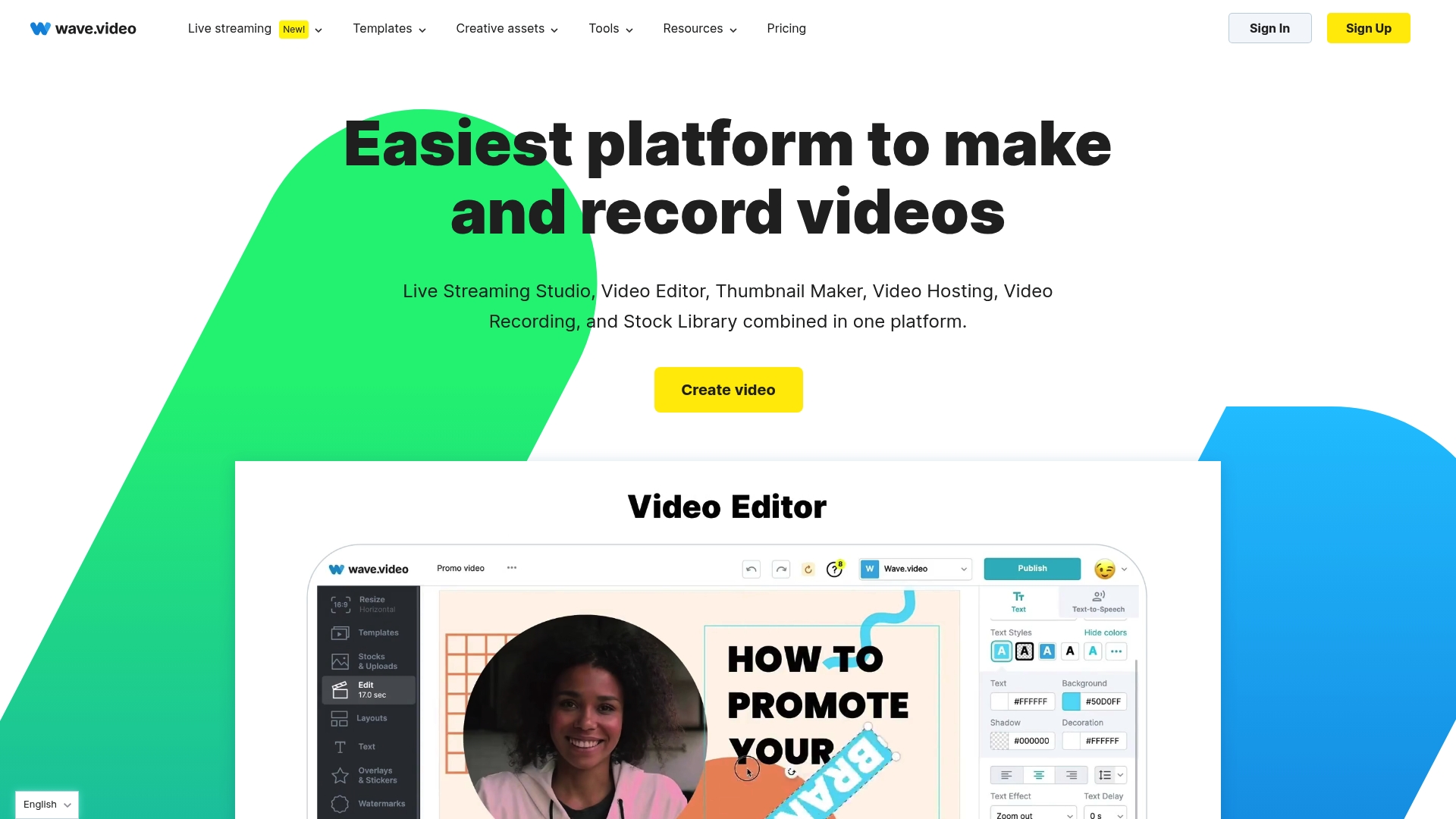
Wave.video’s marketing materials state a stock library of over 200 million assets, including videos, images, and music. That library lets marketers pull licensed clips and music directly into the editor. The platform also bundles hosting and live streaming tools in one place.
Core Features
The platform combines live streaming, multistreaming, and online meetings with an in browser video editor that supports effects, transitions, and captions. It includes video hosting with embed controls and analytics, plus templates for social media, ads, and news. Teams can work together and manage client access inside the same account.
Key Differentiator
Wave.video’s central distinction is a single interface that handles video creation, hosting, live broadcasts, and templating. That reduces tool switching for teams that both produce campaigns and run live events. The integrated workflow is most useful when you need to move quickly from edit to publish.
Pros
Wave.video groups creation, hosting, and streaming in one product, so you avoid juggling separate services for those tasks. The large template and asset library accelerates social ads and short form content when you need quick turnarounds. Team features and flexible plans make it straightforward to add collaborators and manage client projects.
Cons
-
Lower tier plans limit editing for videos longer than 30 minutes. That restriction affects creators who publish extended webinars or long form lessons.
-
Some users report the interface feels slow or cluttered because many features are available in the same workspace.
-
Several capabilities, including longer video limits and advanced editor tools, are gated by subscription level.
When It May Not Fit
If you routinely edit long webinars or multi hour recordings, Wave.video may not fit at lower subscription levels because of editing limits. Agencies that require frame by frame color grading or deep timeline control may find the editor too basic for advanced post production. If you need specialized plugins or offline batch rendering, that functionality is not part of the standard feature set.
Who It’s For
Marketers, social media managers, and small agencies that create social clips, ads, and webinar highlights will get the most from Wave.video. Teams that run live webinars and then repurpose recordings into short form posts will appreciate the combined tools. Content creators who value templates and stock assets over deep timeline control will find this approach efficient.
Real World Use Case
A digital marketing agency uses Wave.video to host live webinars with multiple speakers, record the session, and then repurpose clips for paid social ads. The team edits, captions, and schedules the clips without exporting to a separate service. That workflow keeps campaign production on a single platform.
Pricing
Wave.video offers a Free plan and three paid tiers: Streamer at $16/month, Creator at $24/month, and Business at $48/month. Paid tiers increase video length limits and add team seats and hosting features.
Website: https://wave.video
elevate.io
At a Glance
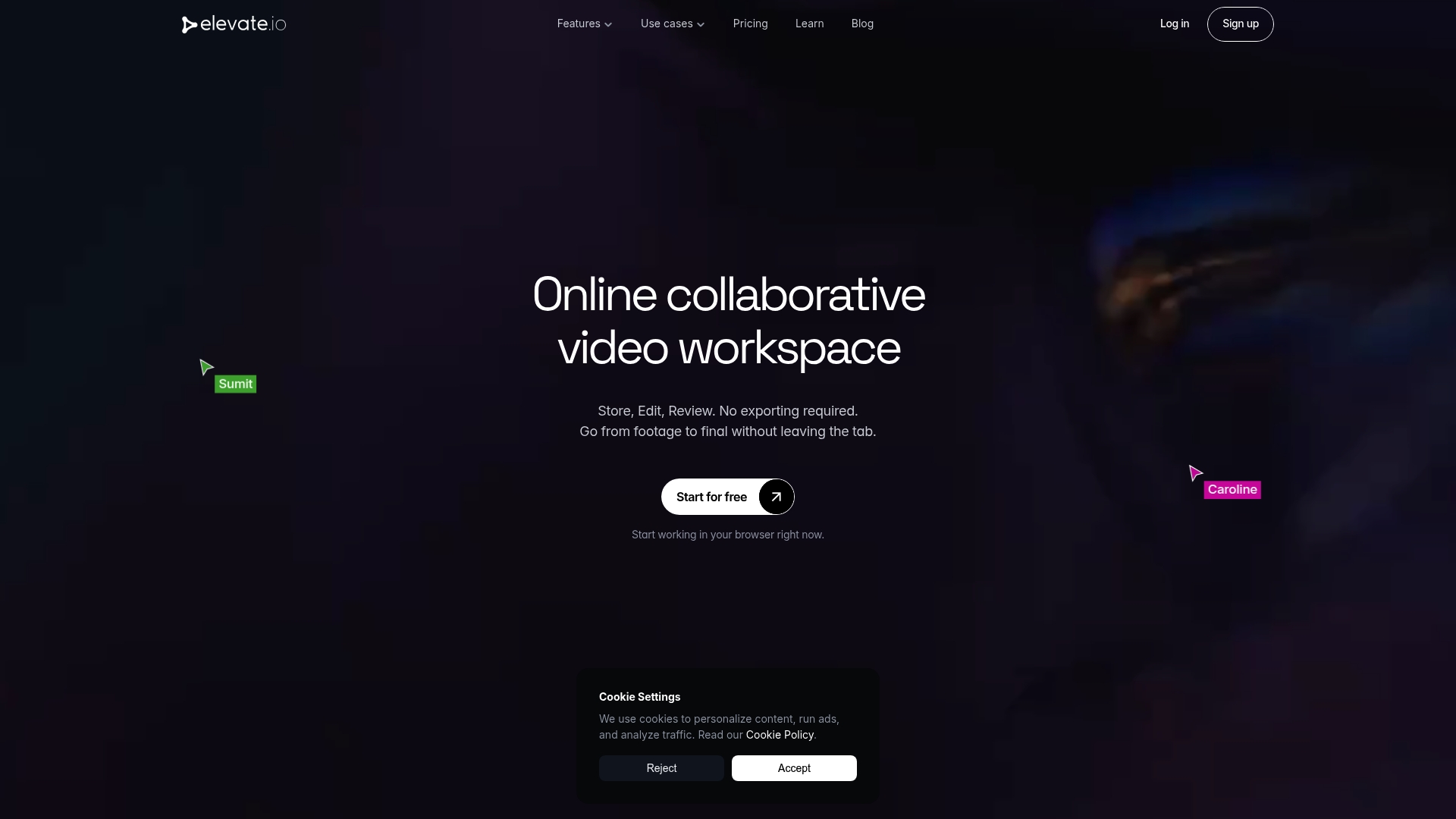
Elevate.io’s marketing materials state it can save up to 70% of production time. The product gathers editing, review, and storage into one browser workspace. Teams use built in AI tools such as auto captions and text to speech to speed routine tasks. This claim positions the product as a time saver for repeatable team workflows.
Core Features
Elevate.io runs entirely in the browser and includes timeline editing, transitions, color grading, visual effects, and simple animations for finishing. It adds centralized asset management so teams store and retrieve media from a single cloud location. Real time review mode and comment threads keep feedback tied to specific frames while built in AI tools handle auto captions, text to speech, and AI image generation.
Key Differentiator
Elevate.io replaces the separate tools most teams juggle by combining editing, feedback, and media storage in one cloud workspace. That single workspace reduces handoffs between editors, reviewers, and asset managers. The platform targets teams that want a unified browser based workflow instead of several point tools.
Pros
The platform lets teams work without installing software, so people on different devices open the same project in a browser. Built in AI features speed tasks that typically slow teams, and the product links captions and voiceover generation to the timeline. Real time collaboration cuts version confusion by making comments visible to everyone instantly. Centralized cloud storage keeps assets available to the whole project team instead of living on individual drives.
Cons
- Performance depends on network speed and device capability, so editing can feel sluggish on slow connections.
- Lacks the deep, frame by frame controls found in professional desktop editors for high end post production.
- Relies on cloud based workflows, which may conflict with strict offline or air gapped production needs.
When It May Not Fit
If you need advanced color grading, node based compositing, or multi camera conforming, this product will feel limited. Heavy feature film workflows that require precise frame level control will still need desktop software. Teams with intermittent internet or strict local only media policies will find the cloud dependence a poor match.
Who It’s For
This product fits marketing teams, small video studios, education groups, and internal communications teams that value speed over ultra fine control. It suits groups that want everyone to access projects without installs. It also fits teams that prefer shared media libraries and faster review cycles.
Real World Use Case
A marketing team opens a single project link and edits promo clips together in the browser. They add AI captions, generate a quick voiceover, and add reviewer comments directly on the timeline. Approval happens in hours instead of days because everyone works in the same cloud workspace.
Pricing
Elevate.io offers a free tier with basic editing and storage. Paid plans start at a monthly fee and add larger storage, the full AI toolset, and team collaboration capabilities. Exact tier names and per seat pricing are not publicly listed in the product summary.
Website: https://elevate.io
Comparison of Online Video Editing Tools
Evaluate various online video editing platforms based on accessibility, features, and pricing to find the ideal tool for your needs.
| Product | Core Feature | Key Differentiator | Best For | Pricing | Notable Limitation |
|---|---|---|---|---|---|
| Kudoflix | Browser-based with local editing | Local processing architecture | Families, creators, small teams | Price not published | Rendering speed depends on device performance |
| Wave.video | Hosting and live streaming tools | Unified interface for live streaming | Marketers, social media managers | $16–48/month | Limited editing for videos over 30 minutes |
| elevate.io | AI-driven editing and storage | Centralized browser-based workspace | Marketing teams, small studios | Price not published | Relies on network-dependent cloud workflows |
Choosing Online Video Editing Tools That Cut Wait Times and Boost Creativity
Editing videos with traditional software often means long upload delays and complex interfaces that slow down your creativity. Kudoflix offers a unique local processing design that handles editing and rendering on your device while letting you back up projects online when you want. This approach saves time by reducing cloud upload waits and keeps your footage private and accessible.
Whether you are a family creating holiday montages, a creator crafting social clips, or a small team producing presentations, Kudoflix delivers exclusive templates, transitions, and effects in an easy browser-based interface with no downloads needed. See how Kudoflix can speed your editing process and simplify your workflow at Kudoflix.
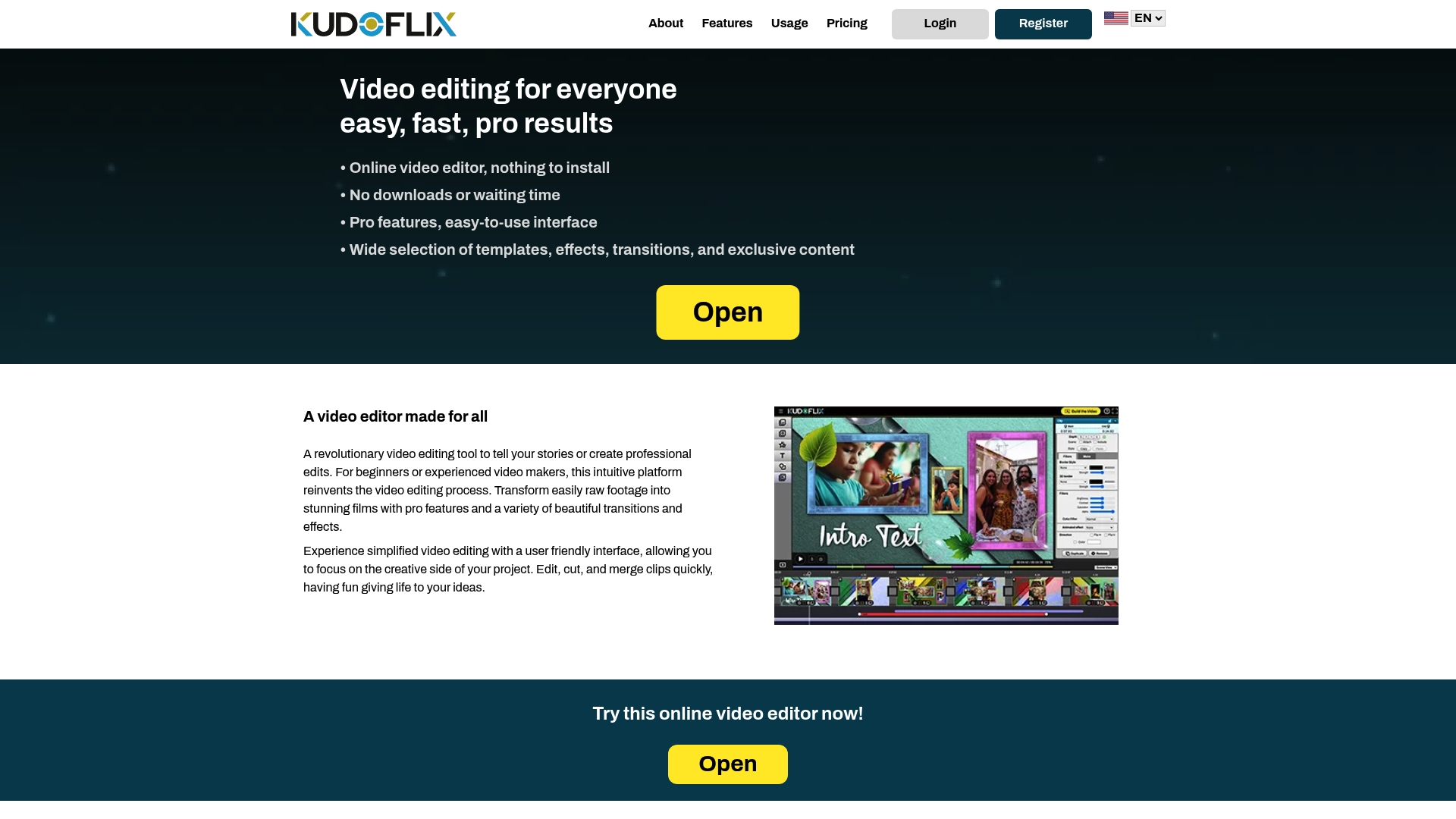
Try Kudoflix today for quick project previews and fast exports without sacrificing quality or your privacy. Start editing with local processing and see how efficient video creation can be.
FAQ
What unique feature does Kudoflix bring for video editing?
Kudoflix processes video tasks entirely on your device, which significantly reduces upload times for edits. This local processing architecture allows you to edit and render without relying heavily on cloud uploads, making the workflow feel faster and more responsive.
How does Kudoflix compare to Wave.video for social media edits?
Wave.video offers a stock library of over 200 million assets, making it ideal for marketers needing quick access to licensed videos and music. Kudoflix, on the other hand, excels in local processing, which enhances editing speed and provides a more private workflow that can be particularly advantageous for users with limited bandwidth.
What are the advantages of using Kudoflix for families?
Kudoflix is perfect for families because it balances an easy-to-use interface with professional editing tools and exclusive templates. This combination allows families to create polished videos quickly without needing extensive editing experience.
Can I expect high editing performance with Kudoflix?
Kudoflix’s performance largely depends on your device’s capabilities since rendering is handled locally. Users with faster devices will experience quicker exports, while those with older machines may encounter longer rendering times.
What privacy features does Kudoflix offer?
Kudoflix provides offline project storage, ensuring that sensitive projects remain private and accessible without storing them in the cloud. This feature is particularly valuable for users who prioritize data security.
Recommended



[…] Top 3 Online Video Editing Tools Alternatives 2026 – Kudoflix Video Editing […]
[…] Top 3 Online Video Editing Tools Alternatives 2026 – Kudoflix Video Editing […]