
A birthday video is a personalized compilation of photos, video clips, messages, and music that celebrates someone’s life in a way no store-bought card ever could. Learning how to make a birthday video does not require professional skills or expensive software. The process follows five clear steps: planning, importing, arranging, adding music and text, and exporting your final file. Anyone with a smartphone camera roll and a few hours can produce something genuinely moving.
What materials and tools do you need to make a birthday video?
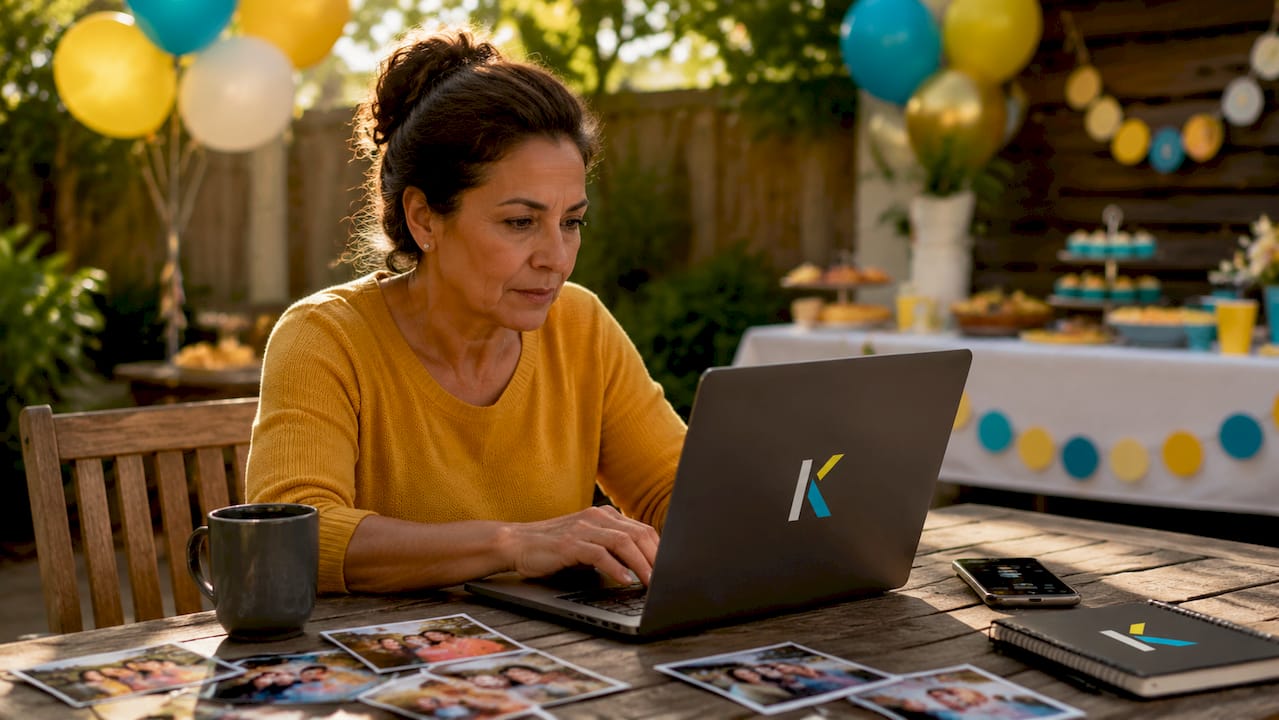
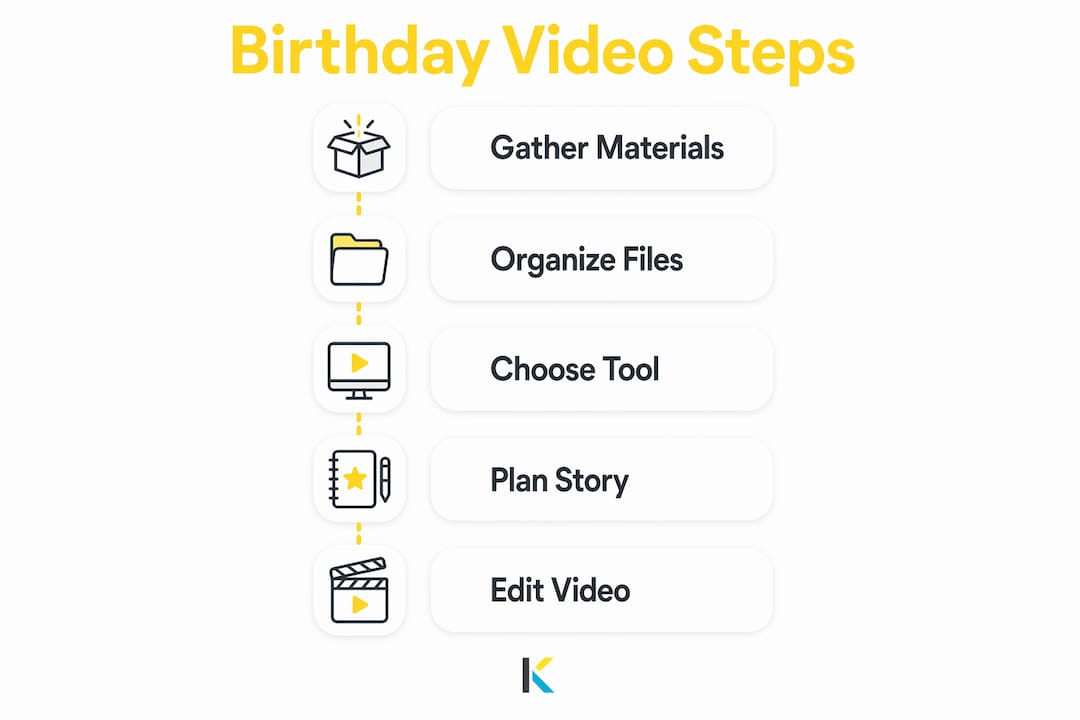
The right raw materials make editing faster and the final result better. Gather photos, short video clips, audio messages, and music tracks before you open any editing tool. Trying to hunt for files mid-project breaks your focus and slows everything down.
Organizing your media files
Collect all files into one folder and rename them descriptively before you start. A name like “2019_beach_trip_dad.mp4” is far easier to find on a timeline than “IMG_4872.mp4.” This single habit prevents a messy project timeline and cuts editing time noticeably.
Pro Tip: Sort your files into subfolders by year or theme, such as “childhood,” “teens,” and “recent.” This makes chronological storytelling much faster to build.
Choosing your editing tool
The tool you pick shapes how easy the whole process feels. Browser-based editors like Kudoflix require no downloads and work on any computer. Entry-level desktop apps work fine for basic cuts, but they often have steep learning curves for beginners. For families who want pre-built structures, platforms with ready-made birthday video templates save significant setup time.
| Media type | Source | Format tip |
|---|---|---|
| Photos | Phone camera roll, printed scans | JPG or PNG, at least 1080px wide |
| Video clips | Phone videos, family recordings | MP4 preferred |
| Audio messages | Voice memos, WhatsApp recordings | MP3 or M4A |
| Background music | Licensed music libraries | MP3, royalty-free |
Export your finished video in MP4 at 1080p resolution for the best playback across phones, TVs, and social media. Most beginner-friendly editors support this setting by default.
How do you plan and organize your birthday video story?
Structure separates a forgettable slideshow from a video that makes someone cry happy tears. Before you touch the timeline, decide on a tone. A video for a child’s fifth birthday calls for bright, playful energy. A tribute for a parent’s 60th works better with warmth and nostalgia.
Building your story arc
A chronological slideshow that starts with baby photos and moves to recent ones creates natural emotional momentum. Viewers feel the passage of time, which deepens their connection to the subject. Thematic grouping works just as well: organize clips around chapters like “adventures,” “family moments,” and “milestones.”
Every strong birthday video follows a three-part structure:
- Warm opening: A favorite photo or a short clip that immediately identifies the person and sets the mood
- Heart of the story: The bulk of your clips and messages, arranged for emotional rhythm
- Heartfelt closing: A recent photo, a group message, or a title card with a birthday wish
Personal touches matter more than production quality. Inside jokes, specific memories, and references only the birthday person will recognize make the video feel like it was made just for them. Generic “Happy Birthday” text does not carry the same weight as a caption that reads “Remember that road trip to Colorado?”
Step-by-step process to edit the birthday video
Editing feels less daunting when you break it into clear stages. Follow this sequence and you will finish with a polished result.
- Import your media. Open your editor and upload all files from your organized folder. Drag them onto the timeline in the order you planned.
- Arrange your clips. Trim each clip to its best 5–15 seconds. Cut anything that drags. Viewers lose interest quickly if a single clip runs too long.
- Add background music. Choose a track that matches your tone. Set the music volume lower than any spoken messages so voices stay clear.
- Add text overlays. Short text overlays like dates, names, and inside jokes add personal layers without cluttering the screen. Keep fonts large enough to read on a phone screen.
- Apply transitions and effects. Simple cross-fades work for most birthday videos. For kids’ videos, bouncing text and animated stickers hold attention better than plain cuts.
- Export at 1080p. Choose MP4 format and 1080p resolution before you export. This setting plays correctly on every major device and platform.
Pro Tip: Mute the background music for 2–3 seconds whenever a spoken message plays. This small edit makes the message feel more personal and easier to hear.
| Editing stage | Time estimate | Key decision |
|---|---|---|
| Import and organize | 15–20 minutes | Confirm clip order matches your story arc |
| Trim and arrange | 30–45 minutes | Cut clips to their strongest 5–15 seconds |
| Music and text | 20–30 minutes | Balance music volume against voice messages |
| Effects and transitions | 10–15 minutes | Keep effects consistent throughout |
| Export | 5–10 minutes | Select MP4, 1080p before rendering |
What makes a birthday video emotionally impactful?
The magic of a birthday video comes from emotional flow, not technical perfection. A shaky phone clip of a genuine laugh beats a perfectly lit photo of nothing in particular. Knowing how to edit birthday videos for feeling, not just appearance, is what separates good from great.
Here are the techniques that consistently produce the strongest reactions:
- Mix energy levels. Alternate high-energy clips, like a dance or a celebration, with slower, quieter moments. This rhythm keeps viewers emotionally engaged rather than numb.
- Use specific messages. A 45-second specific message anchored in a real memory lands harder than a two-minute generic speech. Ask contributors to name one specific moment they shared with the birthday person.
- Add playful elements for kids. Animated stickers, bouncing text, and bright color gradients resonate with children far better than standard photo slideshows. Keep animations fun but not chaotic.
- Collect messages efficiently. When making a surprise birthday video with contributions from multiple people, automated reminder tools keep contributors on schedule and reduce the back-and-forth coordination that kills momentum.
“The most memorable birthday videos are not the most polished ones. They are the ones where the person watching feels genuinely seen.”
Collecting video messages from friends and family is one of the most powerful additions you can make. Give contributors a simple prompt: “Share one memory or one thing you love about [name].” Specific prompts produce specific answers, and specific answers produce emotional reactions.
Key takeaways
A birthday video succeeds when emotional storytelling drives every editing decision, from clip selection to music choice to the final export format.
| Point | Details |
|---|---|
| Organize media first | Collect all files in one folder and rename them before opening your editor. |
| Plan your story arc | Use a three-part structure: warm opening, main story, and heartfelt closing. |
| Export at 1080p MP4 | This format plays correctly on every device and social media platform. |
| Prioritize specific messages | A short, specific memory beats a long, generic birthday wish every time. |
| Match effects to your audience | Use playful animations for kids and softer transitions for adult tributes. |
What I have learned from making birthday videos that actually land
Most people overthink the technical side and underthink the emotional side. I have watched families spend hours color-correcting photos and then use a generic “Happy Birthday” title card at the end. That is the wrong priority order.
The videos that get replayed are the ones where the subject feels genuinely celebrated as an individual. That comes from preparation: knowing your story before you open the editor, having your files organized, and asking contributors for real memories instead of polite wishes.
One thing I always recommend is to watch your rough cut without sound first. If the visual sequence tells a clear story on its own, the music and messages will only make it stronger. If the visuals feel random, no amount of music fixes that.
Simple tools are not a limitation. Some of the most touching birthday videos I have seen were made with basic browser editors and phone footage. What made them work was intention. The maker knew what they wanted the viewer to feel, and every clip choice served that goal. Start there, and the technical steps become much easier to navigate.
— Mandrixx
Kudoflix makes birthday video creation straightforward
Creating a heartfelt birthday video should not require hours of troubleshooting software. Kudoflix is a browser-based video editor that works without any downloads or installations, making it genuinely accessible for families and first-time editors.
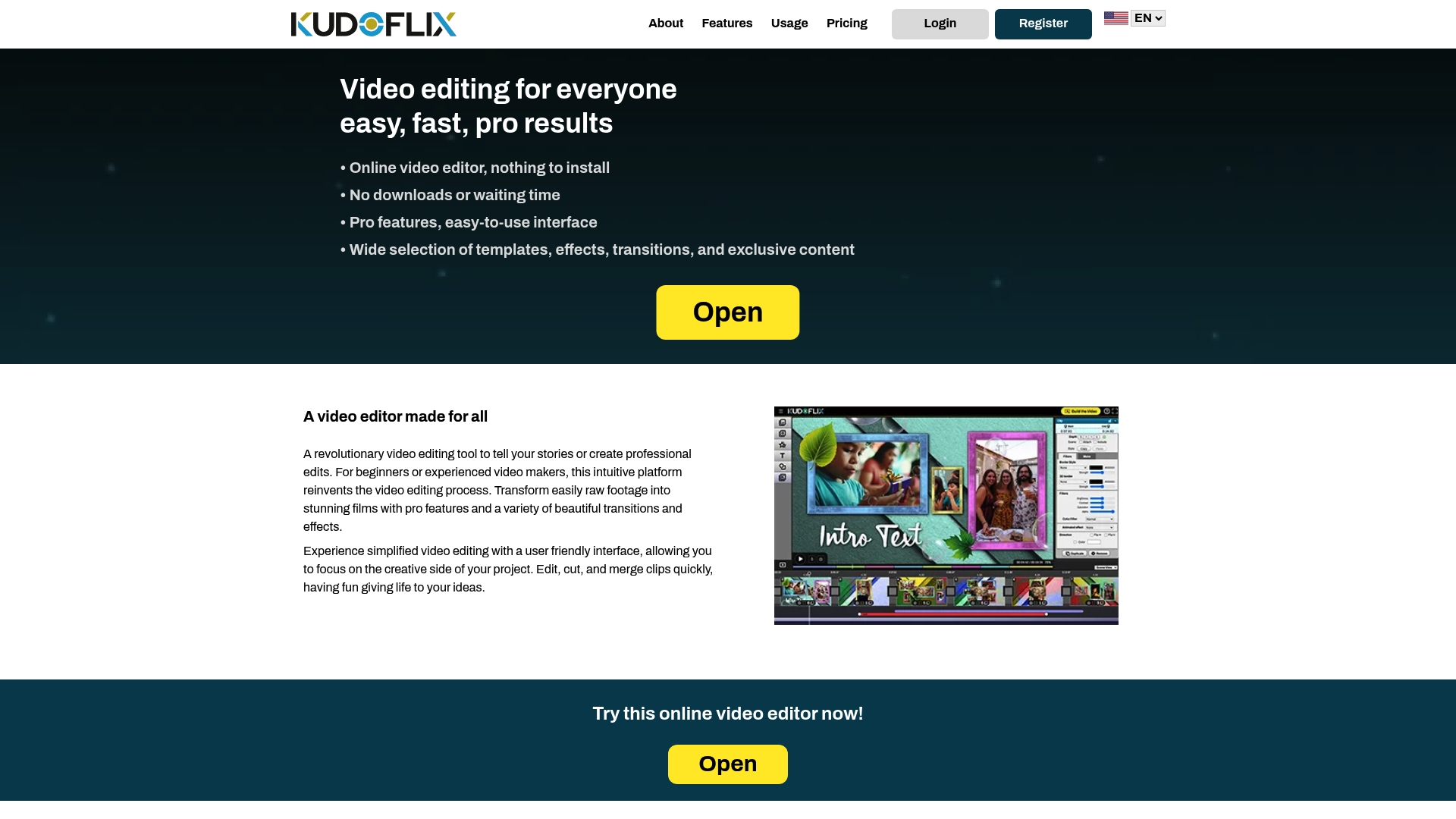
Kudoflix offers an extensive library of ready-to-use templates designed for birthday projects, along with transitions, text overlays, and visual effects accessible in just a few clicks. You can import your photos and clips, arrange them on the timeline, and export a professional-quality video in 1080p MP4 without ever leaving your browser. For families who want a polished result without a steep learning curve, Kudoflix is the place to start.
FAQ
What is the best format to export a birthday video?
Export in MP4 at 1080p resolution for the best results. This format plays correctly on phones, computers, smart TVs, and all major social media platforms.
How long should a birthday video be?
Most birthday videos work best between 3 and 5 minutes. Shorter videos hold attention better and feel more curated than longer slideshows.
How do I collect video messages from multiple people?
Send contributors a simple prompt asking for one specific memory, and use a platform with automated reminders to keep everyone on schedule. Specific prompts produce more personal and emotional responses.
What editing effects work best for kids’ birthday videos?
Animated stickers, bouncing text, and bright color gradients resonate most with children. Keep animations playful but consistent so the video does not feel chaotic.
Do I need to download software to make a birthday video?
No. Browser-based editors like Kudoflix run entirely online with no installation required, making them ideal for beginners and families working from any device.
Recommended