
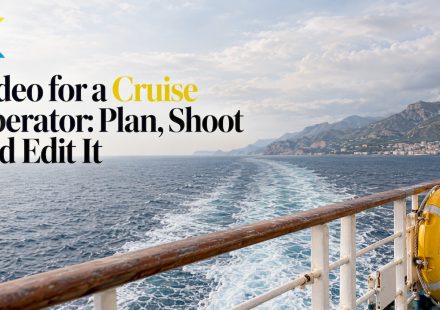
Video for a Cruise Operator: Plan, Shoot and Edit It

How to make cruise operator videos that fill cabins: what to film, how to plan a series, what to check before filming aboard, and how to edit online.
Visual Effects for Beginners: A Practical Starter Guide
Learn what visual effects are, which simple ones to try first, and how to add them to a video step by step without overdoing it. Beginner-friendly and practical.
Video Editing Timeline: How It Works and How to Use It
Learn what a video editing timeline is, how tracks, clips and the playhead work, and how to trim, layer and organize a project, step by step.

How to Make a Family History Video, Step by Step
Plan the story, gather photos and interviews, edit them into a family history video in your browser, and save it so relatives can watch it for decades.

Travel Video Marketing: Make Your Footage and Clients’ Videos Sell
Your trip footage and your clients' videos can win trust and bookings. See which videos to make, how to get permission and how to edit them fast online.
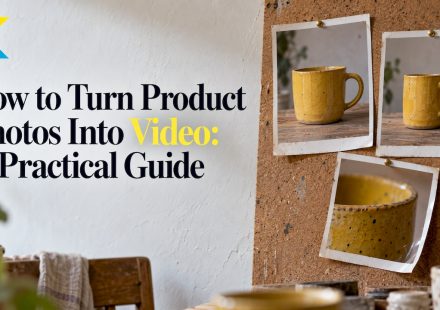
How to Turn Product Photos Into Video: A Practical Guide
Turn still product photos into a polished video: pick the shots, set pacing, add motion, text and music, then check the export before you share it.
Faster Video Editing: 12 Habits That Cut Hours Off Any Project
Edit videos faster without cutting quality: plan before you import, organize files, build a rough cut first, use templates and automate the repetitive steps.
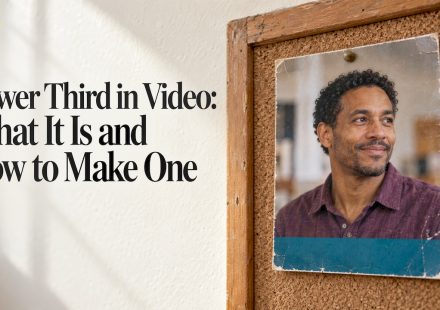
Lower Third in Video: What It Is and How to Make One
A lower third is the name or title graphic at the bottom of a video frame. Learn what to put in it, how long to show it and how to build one online.
Promotional Video Length: How Long It Should Be
How long should a promotional video be? Get length ranges by goal, platform and ad format, backed by Google, YouTube and IAB sources, plus how to trim yours.
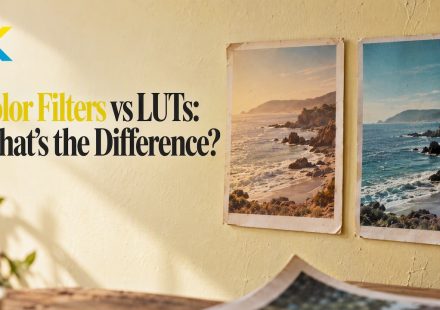
Color Filters vs LUTs: What’s the Difference?
Color filters and LUTs both change how video looks, but they work differently. Learn what a LUT is, how filters differ, and which to use for your edit.