
An effects library is a curated collection of visual tools, transitions, filters, and overlays that creators apply to footage to improve storytelling and viewer engagement. The role of effects library in video projects goes far beyond decoration. A well-built library gives editors a structured toolkit to fix visual problems, set emotional tone, and guide the viewer’s eye exactly where it needs to go. Platforms like Kudoflix integrate these libraries directly into the editing interface, removing the friction between creative intent and execution. The result is faster editing, more consistent output, and videos that hold attention from the first frame to the last.
How does an effects library improve storytelling and viewer engagement?
The most effective visual effects are subtle enhancements that fix footage issues and support storytelling rather than flashy additions that pull focus. That distinction matters more than most creators realize. A color grade that warms a scene signals safety. A slight vignette draws the eye to a speaker’s face. Neither effect announces itself, yet both shape how the viewer feels.
Effects that make the viewer understand or believe a shot faster are the most valuable tools in any library. This is the standard professional editors use when evaluating whether an effect earns its place on the timeline.
Practical use cases include:
- Distraction removal: A background blur or color correction removes visual noise that competes with the subject.
- Mood setting: Desaturation or a cool color filter signals tension or sadness without a single word of dialogue.
- Focus directing: Light leaks, vignettes, and motion blur guide the viewer’s attention to the intended focal point.
- Pacing support: Transition effects like cross-dissolves or whip pans signal a shift in time or location without a title card.
The invisible effects principle holds that the best effect is the one the viewer never consciously notices. When an effect calls attention to itself, it breaks the story. When it solves a problem quietly, it builds trust in the footage.
Pro Tip: Before applying any effect, ask what is missing or distracting in the shot. Effects that answer that question strengthen the video. Effects that don’t have a clear answer to that question usually weaken it.
How should you organize an effects library for faster editing?
Organization is where most editors lose time. A library with 500 effects is useless if you spend three minutes searching for the right transition under deadline pressure. The fix is to stop organizing by technical label and start organizing by editorial function.
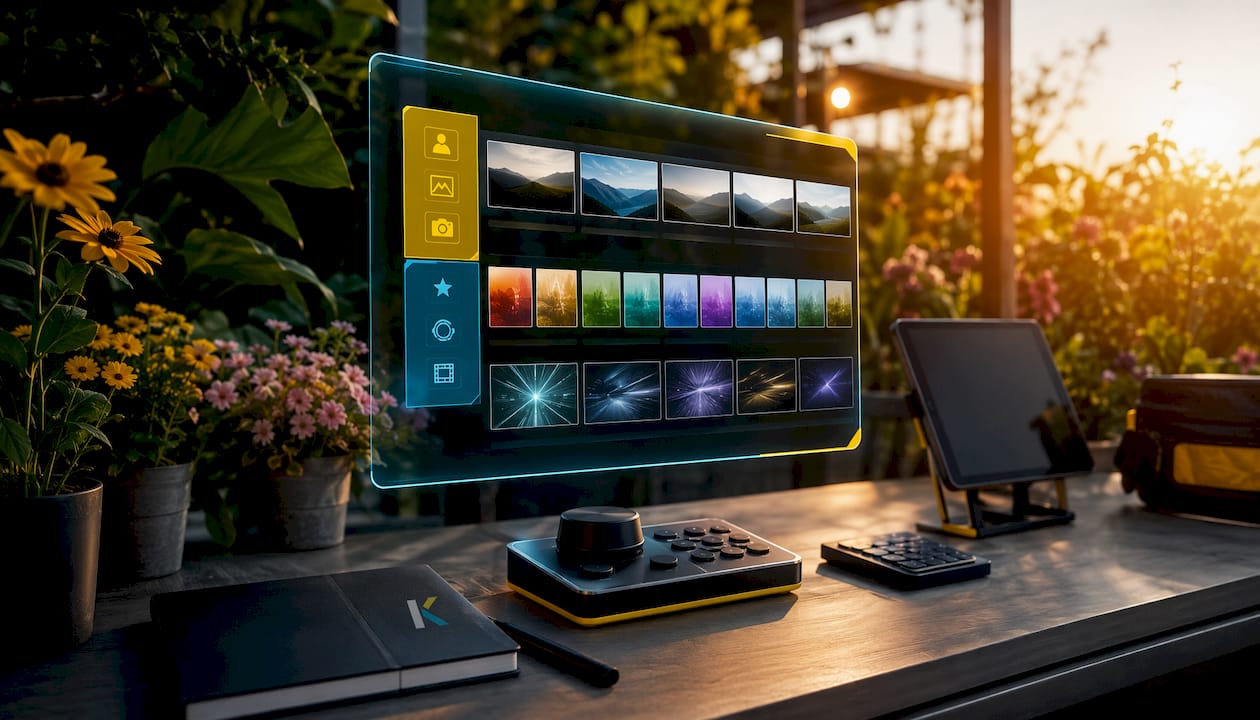
Organizing effects by editorial workflow categories saves significant time compared to organizing by technical classification. Categories like “transitions,” “impacts,” “build-ups,” and “ambient overlays” match how editors think during a cut, not how engineers label file types. That alignment between mental model and folder structure is what makes a library fast.
Practical steps for a cleaner library:
- Use favorites and tags: Mark effects you use in every project. Tag effects by content type (interview, action, social media) so you can filter by project need.
- Audit quarterly: Remove effects you haven’t touched in six months. A smaller, trusted library outperforms a bloated one every time.
- Separate native from third-party: Keep built-in effects and third-party plugins in distinct categories. This makes troubleshooting faster when a project behaves unexpectedly.
- Disable, don’t delete: Hiding problematic plugins without uninstalling them improves project stability and editor speed. Effects Manager tools inside professional editing software make this possible without losing the plugin permanently.
Pro Tip: Build a “go-to” folder with your 10–15 most-used effects. Open that folder first on every project. You will cover 80% of your editing needs before you ever open the full library.
The best effects library is not the largest one. It is the one that is ready and accessible on your timeline when the deadline arrives.
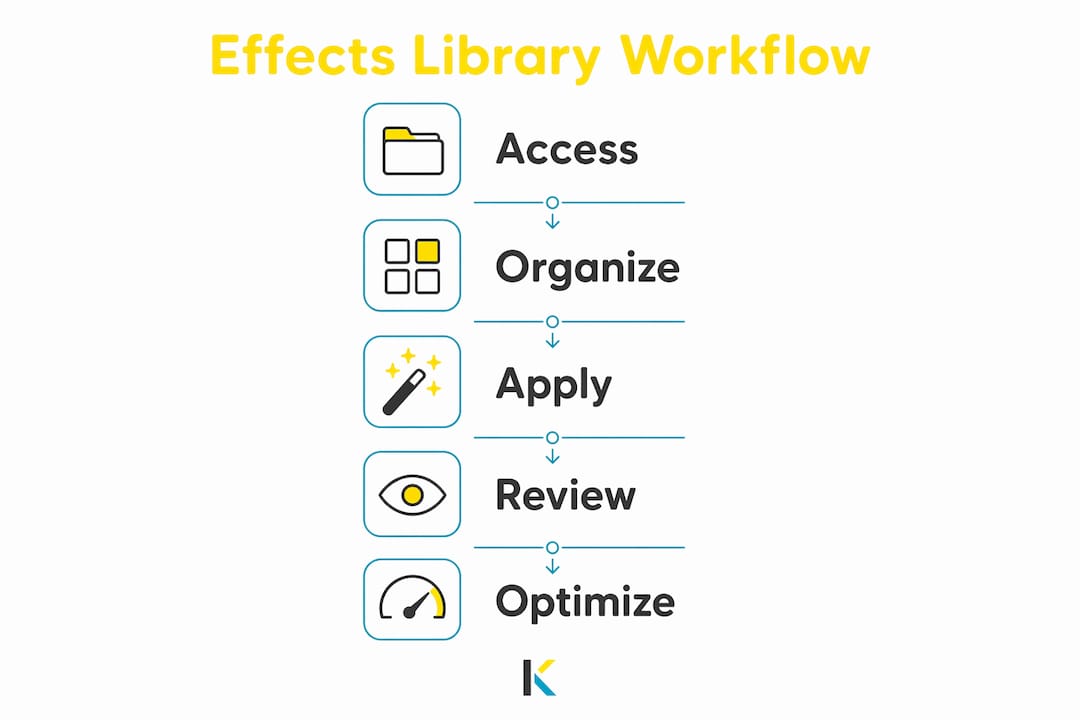
What are the latest trends in effects library integration for video tools?
Modern video production tools have moved effects libraries from optional add-ons to core infrastructure. The shift reflects how central visual effects have become to professional output at every budget level.
Integrated media libraries with over 1 million royalty-free assets now give creators access to video, image, and audio resources without copyright risk. That scale changes the economics of video production. Creators who once paid per asset now access entire catalogs through subscription plans, and direct export pipelines prevent copyright flags on platforms like YouTube.
Code-based video pipelines represent the next step. Modern video frameworks provide 40–50 built-in effects presets, enabling developers to generate professional visuals without manual editing round-trips. Tools built on typed, composable library architectures supply dozens of transition presets and GLSL-based effects for automated, high-fidelity rendering. That approach removes the gap between design intent and final output.
| Trend | What it means for creators |
|---|---|
| Royalty-free integrated libraries | Access to 1M+ assets without per-use licensing fees |
| Code-based effects pipelines | 40–50+ presets enable automated professional rendering |
| Real-time rendering | Effects preview instantly, cutting revision cycles |
| AI-assisted effect generation | Software suggests or applies effects based on footage content |
| Browser-based editing with built-in effects | No installation required; effects load with the project |
The move toward real-time rendering is particularly significant. When creators see an effect applied instantly rather than waiting for a render preview, they make better creative decisions faster. Platforms built on this architecture, including Kudoflix, give editors that feedback loop without requiring a high-end workstation. Audio workflows are evolving in parallel. Understanding audio editing automation helps creators see how the same principles of library integration and preset-driven efficiency apply across both video and audio production.
How do you choose and apply effects strategically in video projects?
The wrong question to ask when opening an effects library is “what looks cool?” The right question is “what does this footage need?” Shifting that mindset leads to stronger work and fewer unnecessary edits. Effects chosen to solve a problem stay in the final cut. Effects chosen to impress usually get removed in review.
Strategic application starts with identifying the gap in the footage before reaching for the library. Common gaps include flat lighting, a distracting background, an abrupt cut, or a scene that lacks emotional weight. Each gap has a category of effects designed to address it.
Content type shapes which effects earn their place:
- YouTube tutorials and courses: Clean lower thirds, subtle zoom effects, and chapter transition overlays keep the viewer oriented without breaking focus on the content.
- Social media clips: Fast cuts, kinetic text, and color-pop filters match the pace and visual language of short-form platforms. Kudoflix’s effects and transitions tools are built for exactly this format, accessible in a few clicks without a learning curve.
- Business presentations and conference videos: Minimal transitions, branded color grades, and clean title cards signal professionalism. Overloading these formats with effects signals inexperience.
- Personal and family videos: Warm color grades, soft vignettes, and gentle transitions create emotional resonance without overwhelming the memory being preserved.
The editorial workflow principle applies here too. Build your effects choices around what the story needs at each cut, not around what the library makes available. A creator who uses five effects with precision produces a more compelling video than one who uses fifty effects without purpose. Reviewing cinematic effects techniques for different content types gives creators a practical reference for matching effect categories to project goals.
Key Takeaways
An effects library’s value lies in its organization and strategic use, not its size. Creators who apply effects to solve specific visual problems produce stronger, more engaging videos than those who add effects for visual interest alone.
| Point | Details |
|---|---|
| Effects serve storytelling first | Apply effects to fix visual gaps and guide viewer attention, not to decorate footage. |
| Organization beats size | A well-tagged, categorized library saves more time than a large, disorganized one. |
| Disable, don’t delete | Hide problematic plugins to improve stability without losing access to the tool. |
| Match effects to content type | Social, educational, and business videos each require a different effects approach. |
| Integrated libraries reduce friction | Platforms with built-in royalty-free assets and real-time rendering speed up every project. |
Why most editors are thinking about effects libraries backward
Most creators I talk to treat their effects library like a candy store. They browse for something that looks exciting and drop it on the timeline. That instinct produces videos that feel busy but not polished.
The editors who produce consistently strong work treat their library like a medicine cabinet. They know exactly what each tool does, they reach for it when something specific is wrong, and they close the cabinet when the problem is solved. That discipline is harder to develop than it sounds, especially when a new effects pack arrives and everything looks tempting.
The other mistake I see constantly is neglecting library maintenance. An editor with 300 effects they’ve never tested under deadline pressure is worse off than an editor with 30 effects they know cold. The editorial workflow approach to organization, sorting by function rather than by technical label, is the single fastest fix for this problem. It takes an afternoon to reorganize a library this way. It saves hours across every project that follows.
My honest advice: spend one session this week doing nothing but auditing your effects library. Delete what you’ve never used. Tag what you use every week. Build that go-to folder. Then close the library and edit your next project using only what’s in that folder. The constraint will make you a better editor.
— Mandrixx
Kudoflix makes effects library access simple for every creator
Creators who want professional results without the complexity of managing bloated plugin libraries have a direct path forward with Kudoflix. The platform puts visual effects, transitions, and text tools inside a browser-based editor that requires no download and no installation.
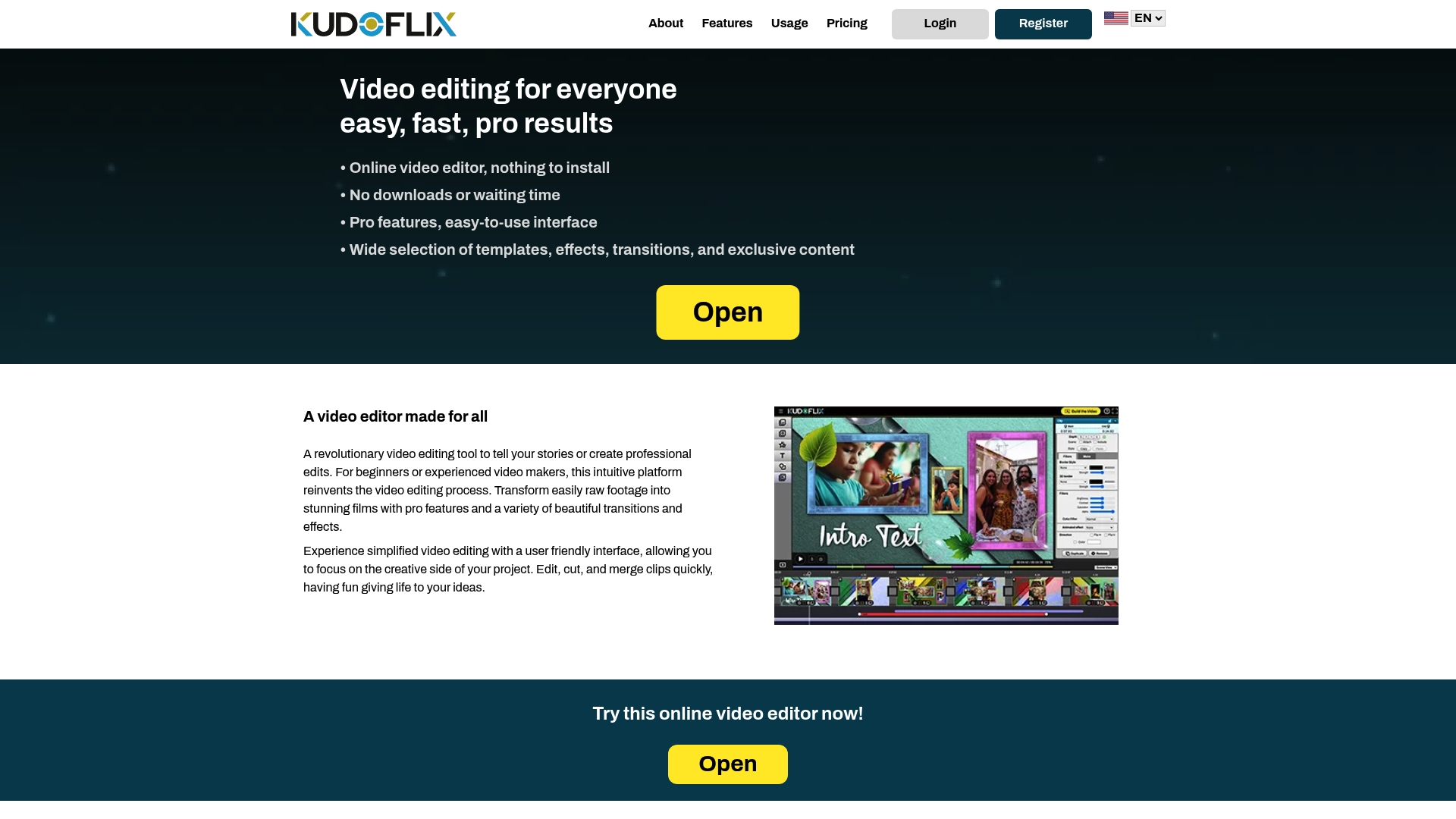
Kudoflix’s built-in effects library is organized for editorial speed, not technical complexity. Whether you’re editing a YouTube tutorial, a social media clip, or a business presentation, the tools load with the project and apply in real time. Creators who want to see what professional editing looks like with a simple tool can explore Kudoflix’s full feature set and start producing polished videos without a steep learning curve or a powerful workstation.
FAQ
What is the role of an effects library in video projects?
An effects library supplies creators with organized visual tools, transitions, and filters that fix footage problems and enhance storytelling. Its primary role is to give editors fast access to the right effect at the right moment in the editing process.
Are subtle effects really more effective than flashy ones?
The most effective effects are often invisible. Effects that make the viewer understand or feel a shot faster outperform flashy effects that call attention to themselves and break narrative focus.
How should I organize my effects library for faster editing?
Organize effects by editorial function, such as transitions, impacts, and mood overlays, rather than by technical file type. Add favorites and tags for your most-used effects to cut search time under deadline pressure.
Do I need a large effects library to produce professional videos?
A large library is not necessary. The best effects library is the one that is well-organized and immediately accessible when you need it. A focused library of 15–30 trusted effects covers most professional editing needs.
How does Kudoflix handle effects library access for creators?
Kudoflix provides a built-in library of effects, transitions, and text tools inside a browser-based editor. Creators access and apply effects in real time without downloads, installations, or plugin management.
Recommended